13. Auto Scaling Groups
Template
Prerequisites
1. Auto Scaling Groups
Auto Scaling Group is a core service for building scalable systems in AWS. It enables Automatic scaling and self-healing of EC2 instances
1
Launch Template → Auto Scaling Group → EC2 Instances
Auto Scaling Group (ASG) is:
- A logical group of EC2 instances
- Managed automatically by AWS
👉 It ensures:
- The correct number of instances
- High availability
- Automatic recovery
1
2
3
4
5
6
7
8
Internet
   ↓
[ Load Balancer ]
   ↓
[ Auto Scaling Group ]
   ├── EC2 (AZ-a)
   ├── EC2 (AZ-b)
   └── EC2 (AZ-c)
1-1. Behavior
ASG maintains system stability automatically
- If instances < desired → create new ones
- If instances > desired → terminate extra ones
- If instance fails → replace automatically
1
Instance crashed → ASG detects → new instance launched
1-2. Scaling Types
Manual Scaling
- Change desired capacity manually
Dynamic Scaling ⭐
- Based on metrics (CPU, traffic)
👉 Example:
- CPU > 70% → scale out
- CPU < 30% → scale in
Scheduled Scaling
- Based on time
👉 Example:
- Increase capacity during business hours
1-3. Multi-AZ Deployment
ASG can span multiple Availability Zones:
1
2
3
AZ-a → EC2
AZ-b → EC2
AZ-c → EC2
👉 Benefits:
- High availability
- Fault tolerance
2. Components of Template
2-1. Launch Template
- Defines how instances are created
- Includes AMI, instance type, network, etc.
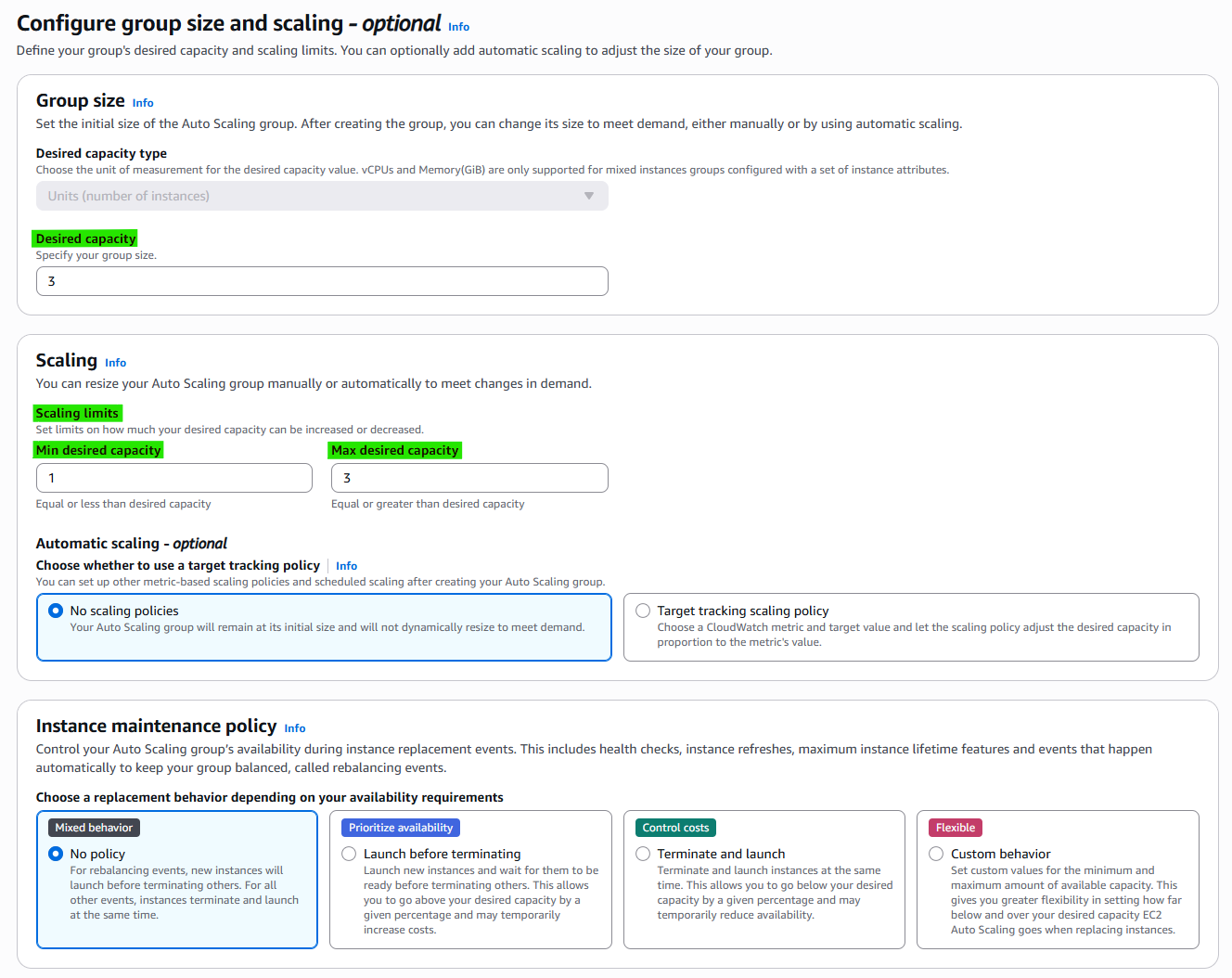
2-2. Desired Capacity
- Number of instances you want
2-3. Minimum / Maximum Size
- Min → lower bound
- Max → upper bound
3. How to create Template
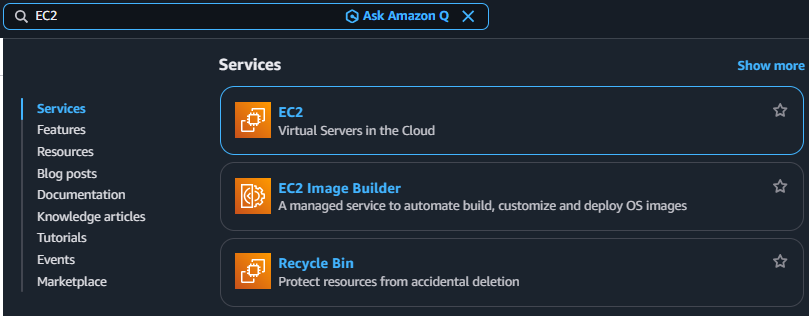
3-1. Search EC2
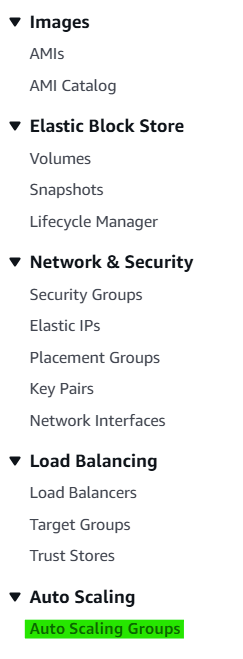
3-2. Click Navigation pane → “Auto Scaling Groups”
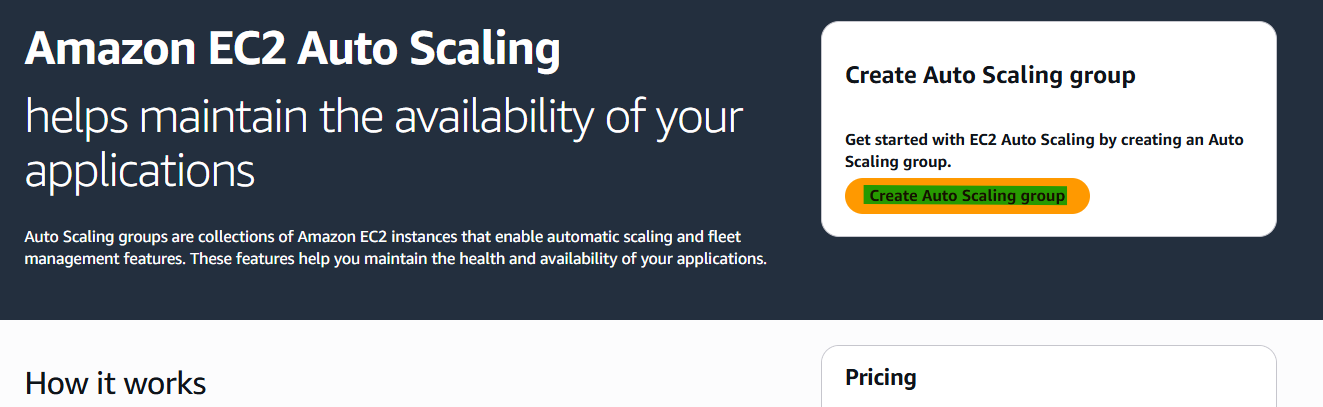
3-3. Click Button → “Create Auto Scaling group”
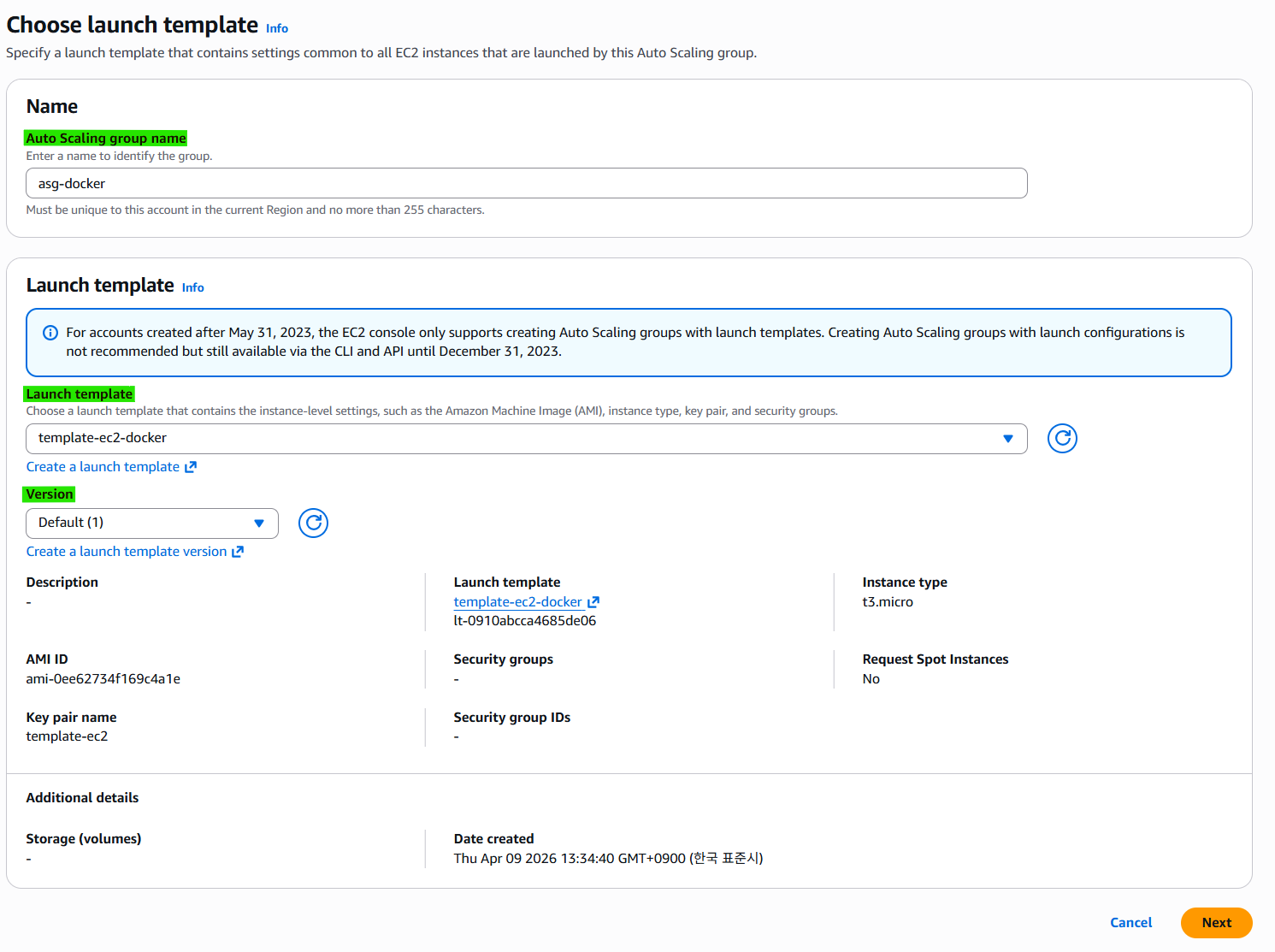
3-4. Step 1. Choose launch template
3-5. Step 2. Choose instance launch options
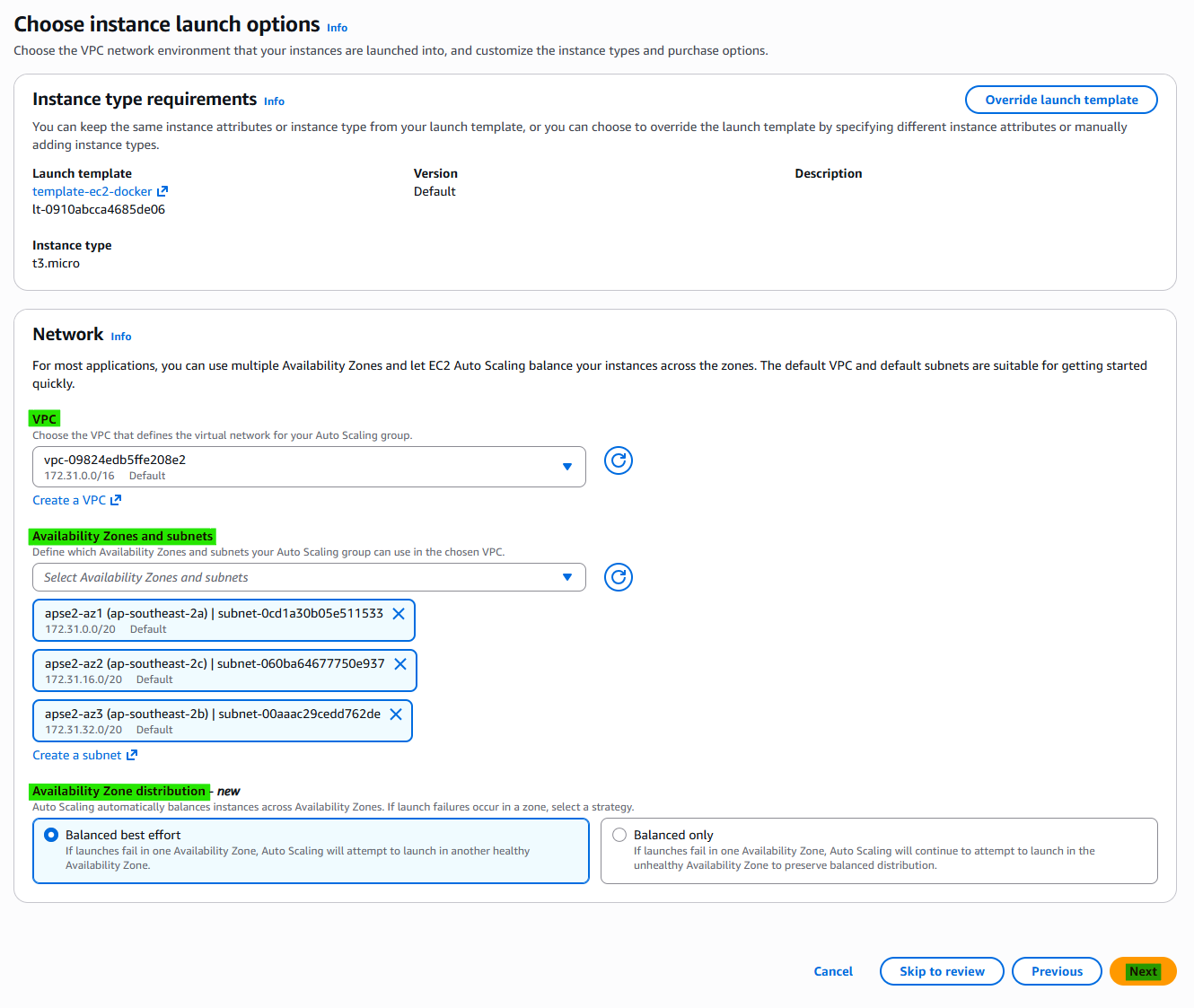
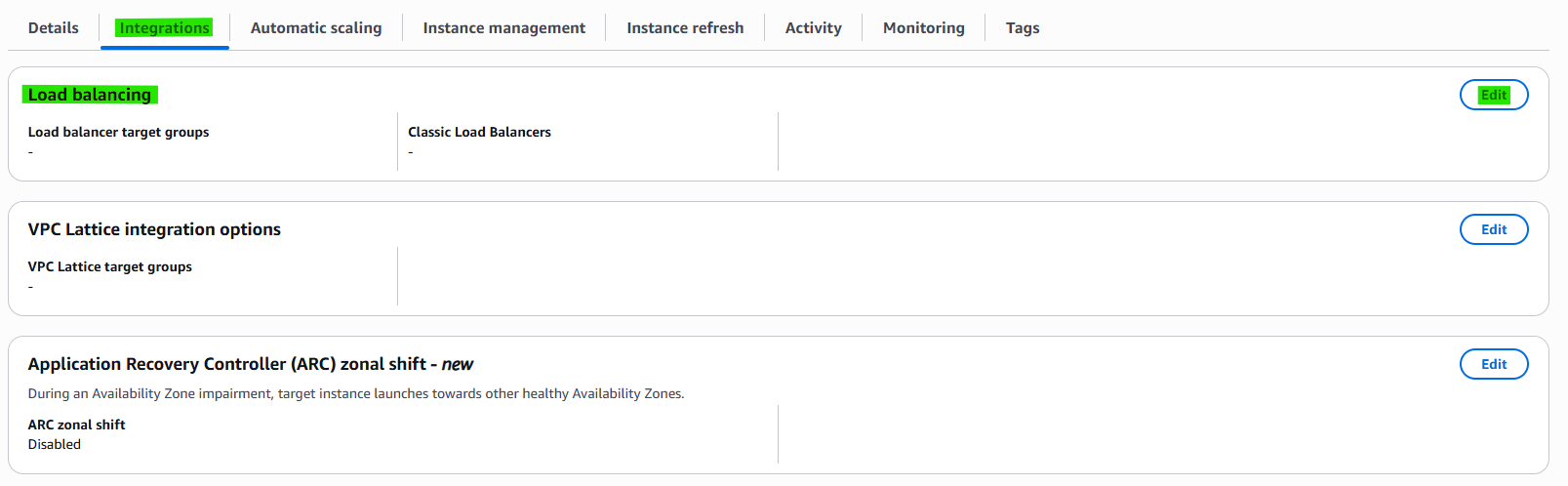
3-6. Step 3. Integrate with other services - optional
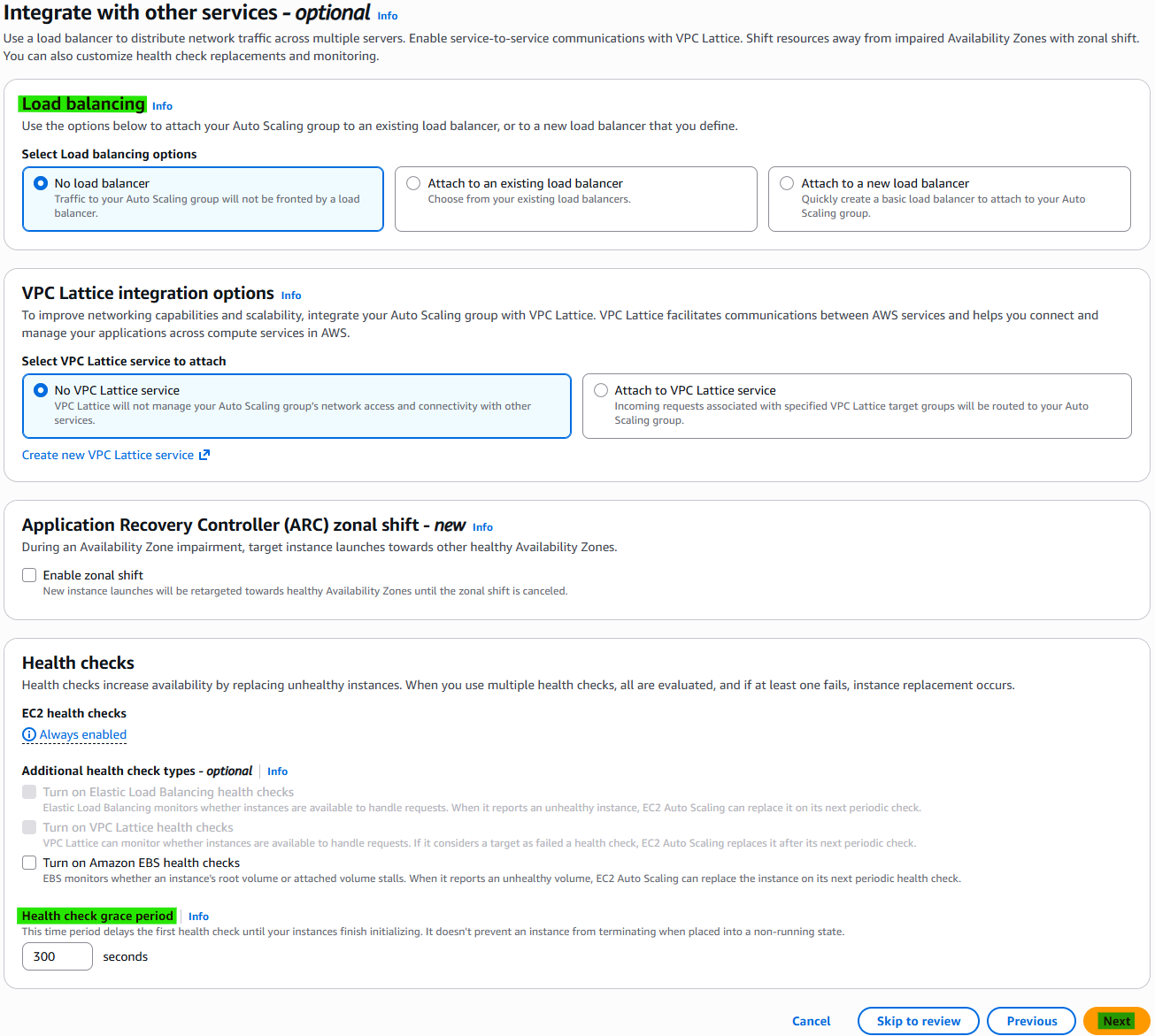
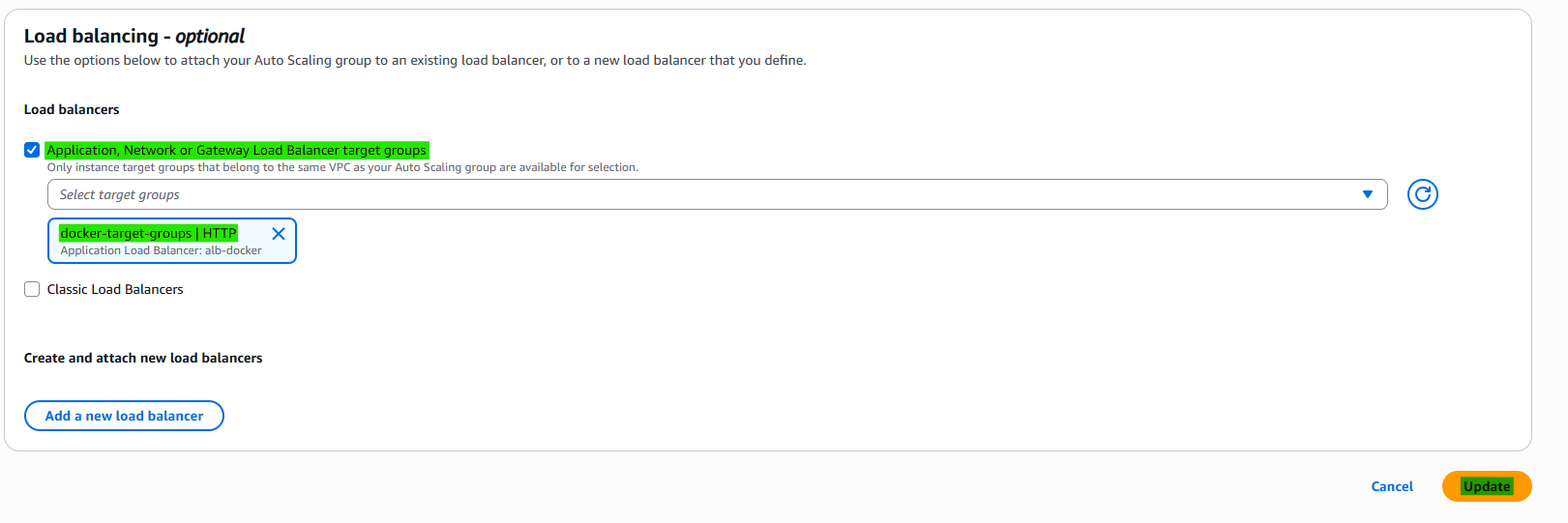
- Load balancing: When we want to apply.
- Health Check grace period: Standard of normal or not.
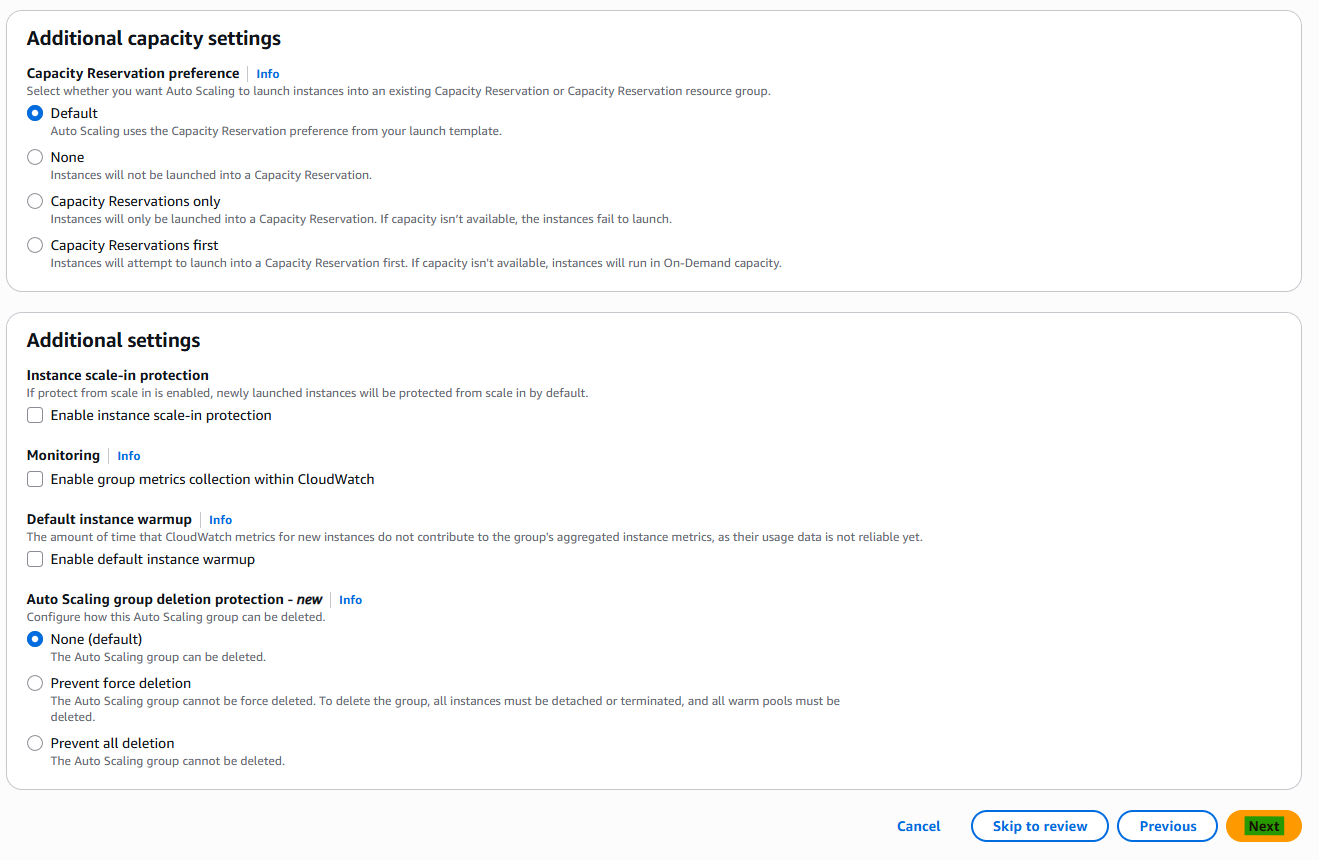
3-7. Step 4. Configure group size and scaling - optional
3-7. Step 5. Add notifications - optional

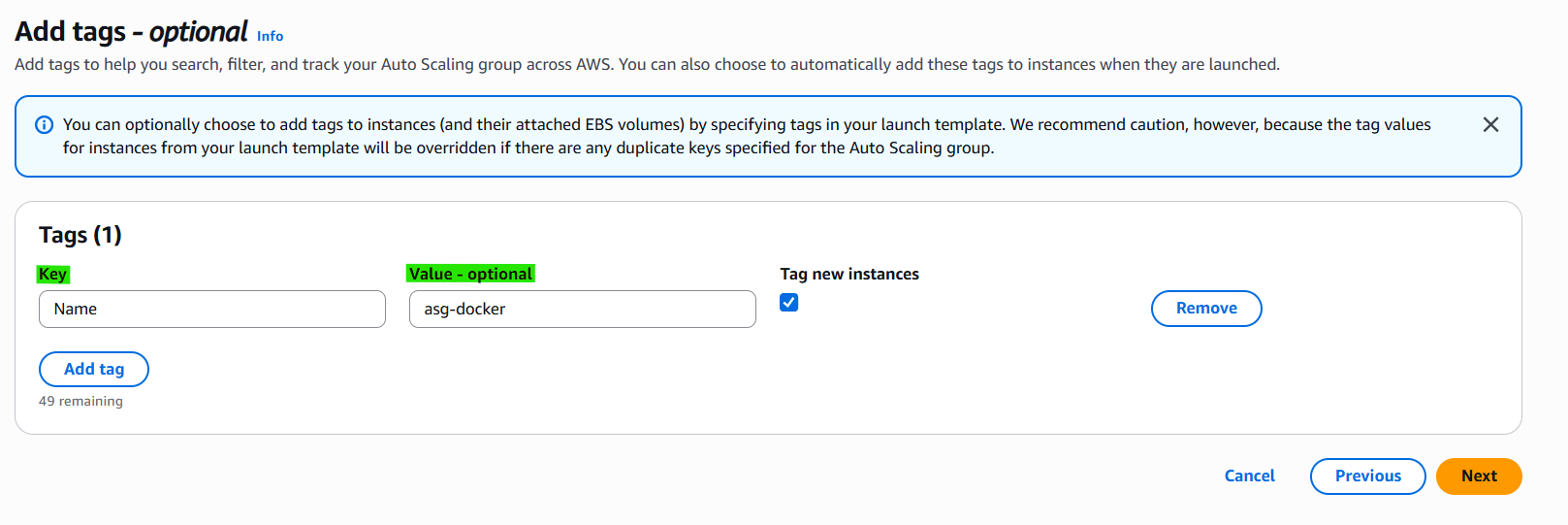
3-8. Step 6. Add tags - optional
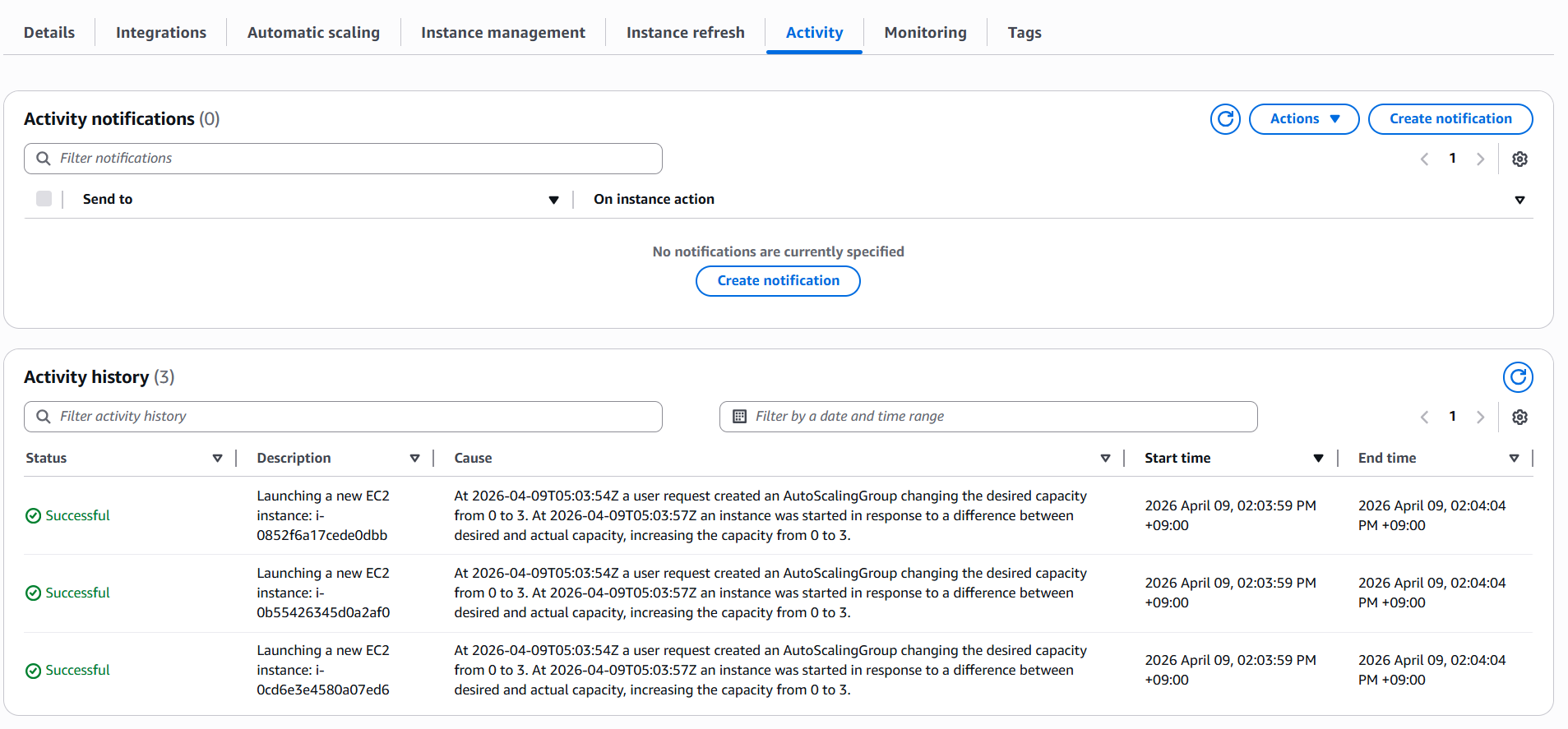
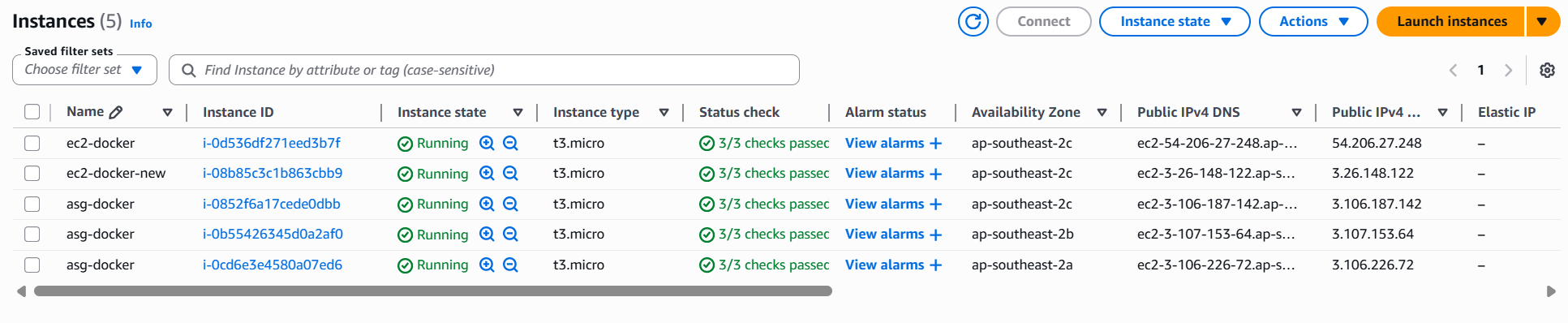
3-9. Check Activity and Current status
4. OPTIONAL
4-1. Load Balancer Integrations
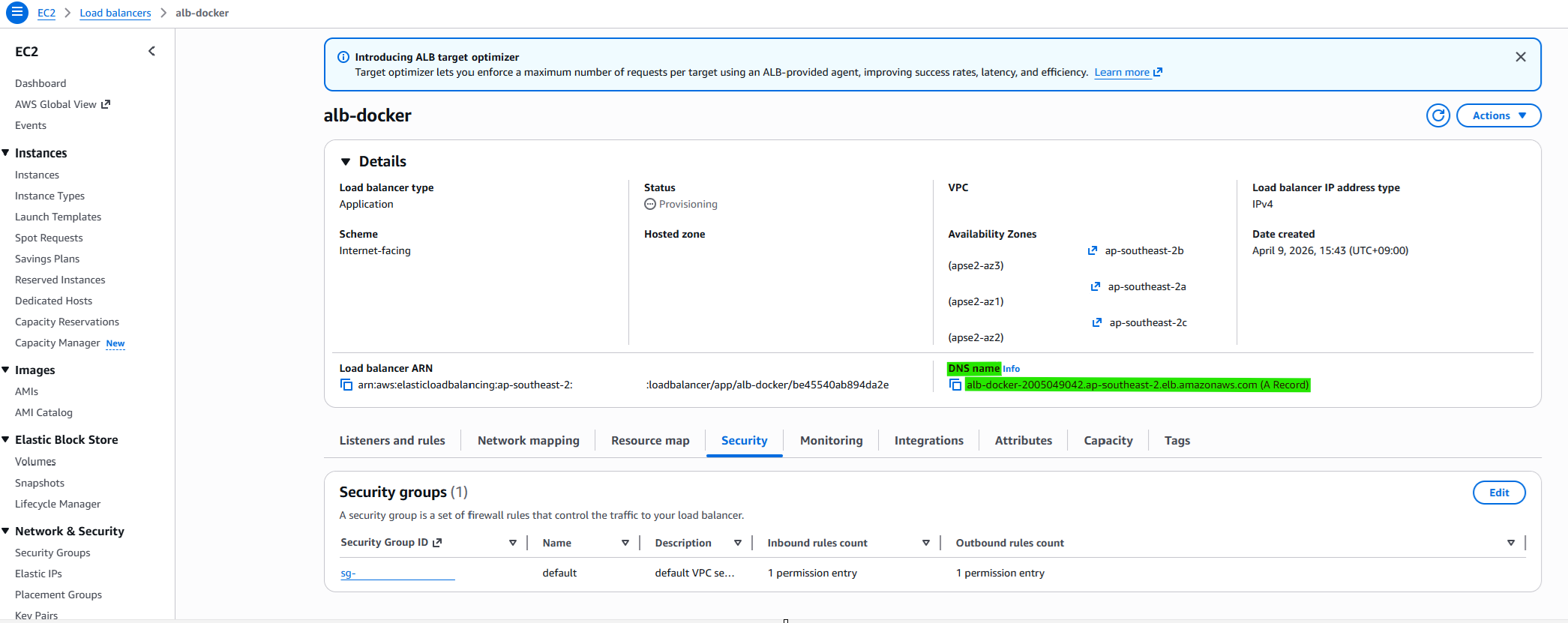
4-2. Approach DNS with Load Balancing
4-1. Health Check on ASG
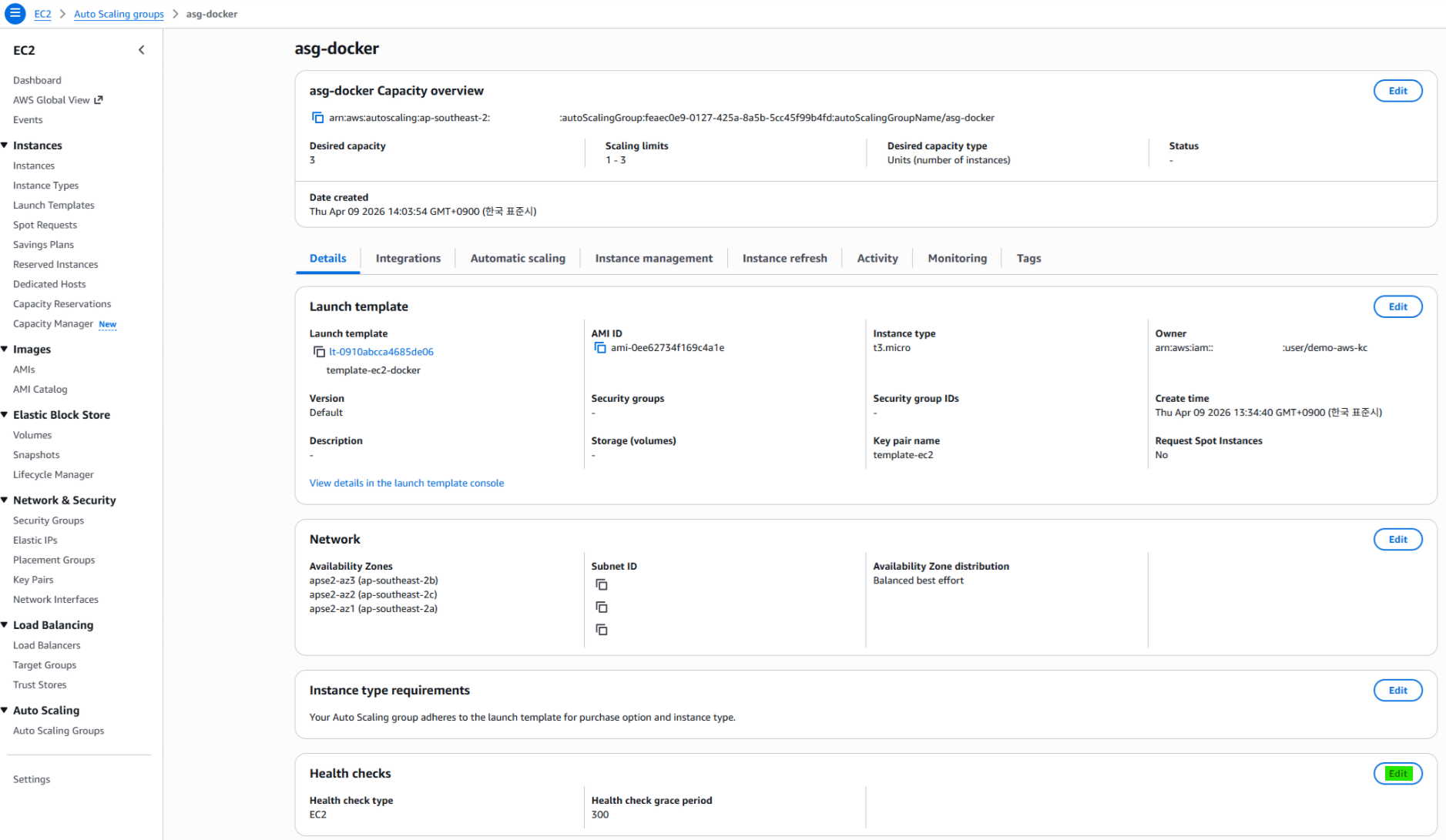
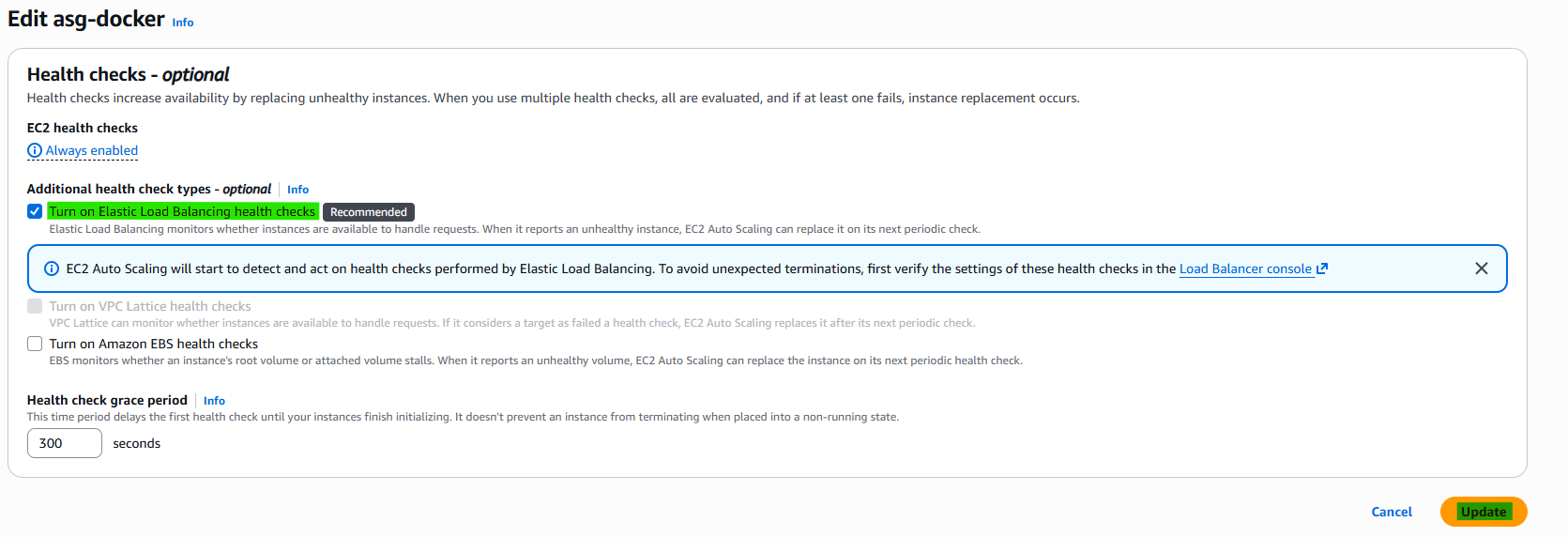
- Turn on Elastic Load Balancing health checks (Recommended)
Instead of only checking whether the EC2 instance is running, it verifies whether the instance is actually capable of handling incoming traffic.
For example, an EC2 instance may be in a running state, but if the application on it has crashed or is not responding, it will be marked as unhealthy. In this case, the Auto Scaling Group (ASG) will automatically terminate and replace the instance.
Therefore, enabling Elastic Load Balancing health checks is considered a best practice in most production environments.
4-2. Instance Management
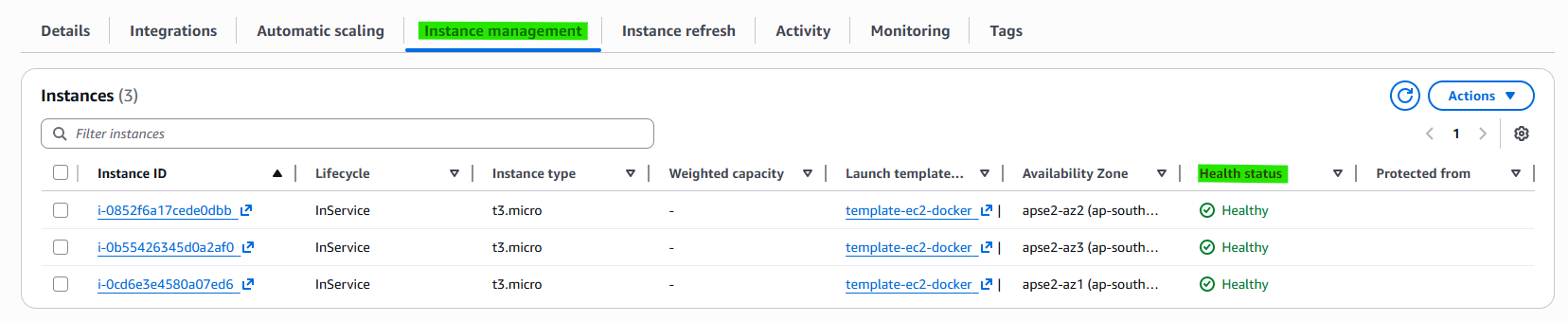
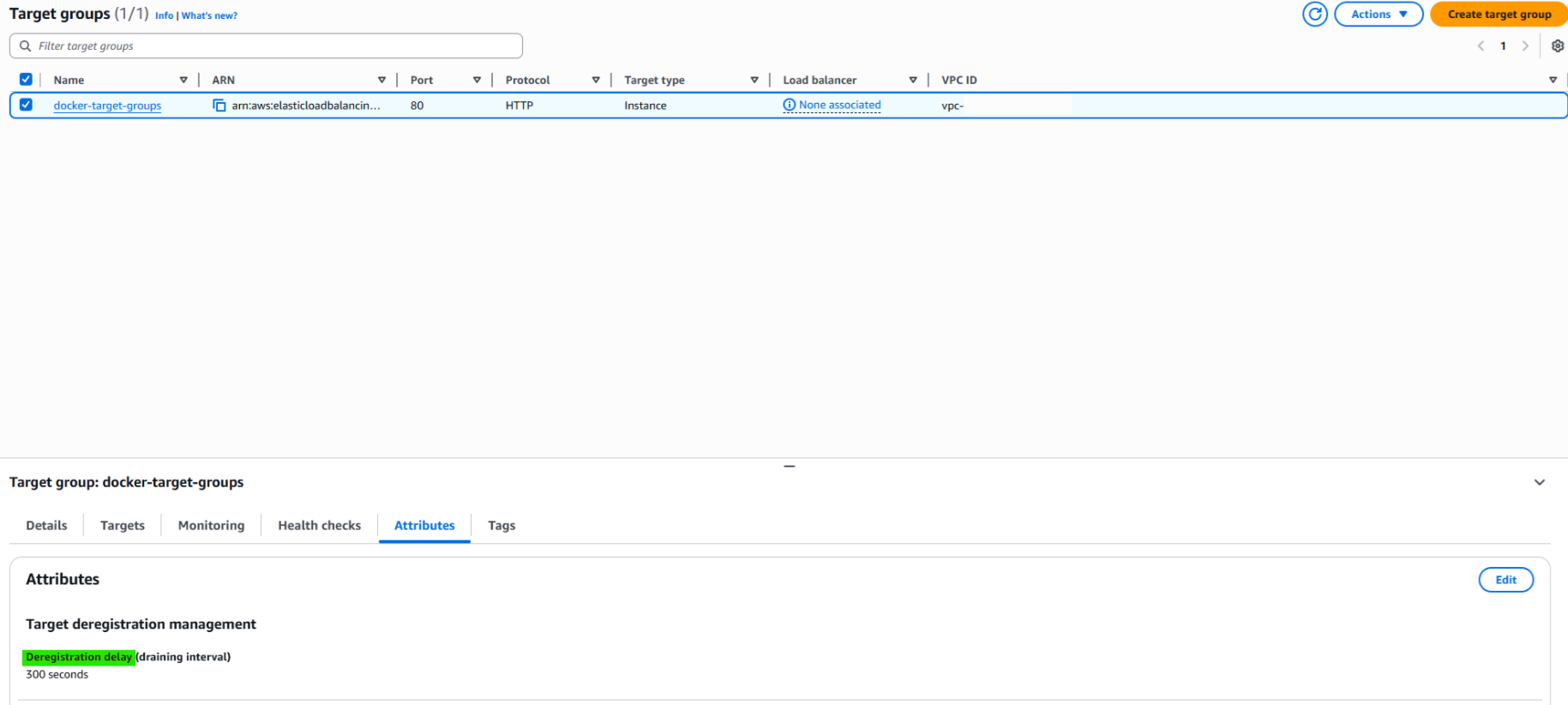
If the instance become unhealthy, not directly deregistration. According to target groups’s deregistration management, few times later it become deregistration.
5. Related Concepts
- Components
- Load Balancing
- Target Groups
- Template