12. Template
12. Template
Template
Prerequisites
1. Template
Launch Template is a key component for managing EC2 instances at scale. It defines How EC2 instances should be launched
A Launch Template is:
- A configuration blueprint for EC2
- Used to launch instances consistently
👉 It contains all the settings required to launch an EC2 instance.
1
Launch Template → EC2 Instance
1
2
3
4
5
6
7
Template
 ├── AMI (Ubuntu + Docker)
 ├── t3.micro
 ├── Security Group (22, 80)
 └── User-data script
      ↓
EC2 Instances (multiple)
Without Launch Template:
- Manual configuration required
- Risk of inconsistency
- Difficult to scale
With Launch Template:
- Repeatable deployments
- Consistent environments
- Easy scaling
- Launch Templates support versions
- Infrastructure consistency
Only AMI Without Template
👉 Network / Security / Setting issue.
2. Components of Template
- AMI (image)
- Instance type (CPU / memory)
- Key pair
- Security group
- Subnet / network settings
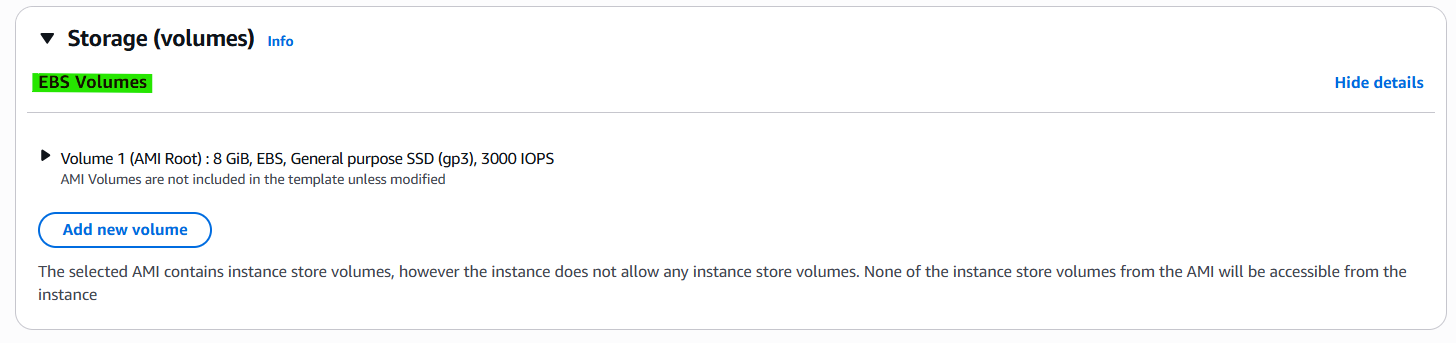
- Storage (EBS)
- User data (startup script)
3. How to create Template
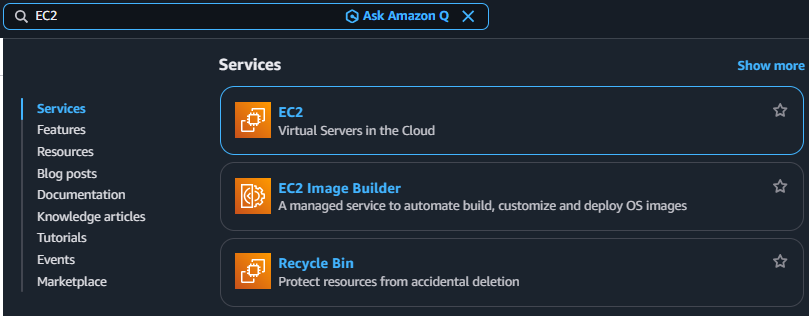
3-1. Search EC2
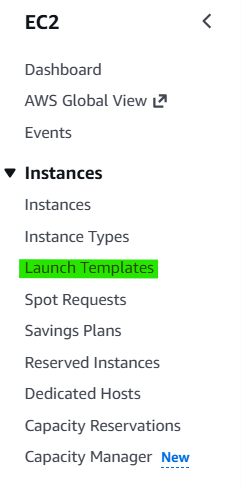
3-2. Click Navigation pane → “Launch Templates”
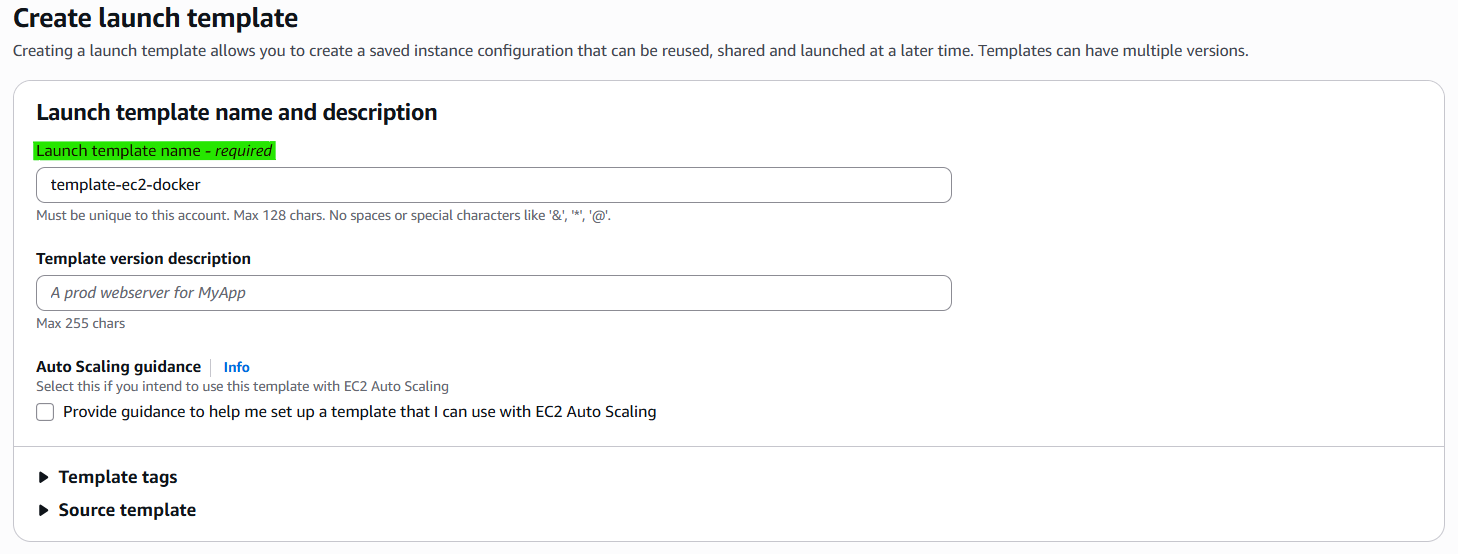
3-3. Click Button → “Create launch template”

3-4. Set Environments (Hardware)
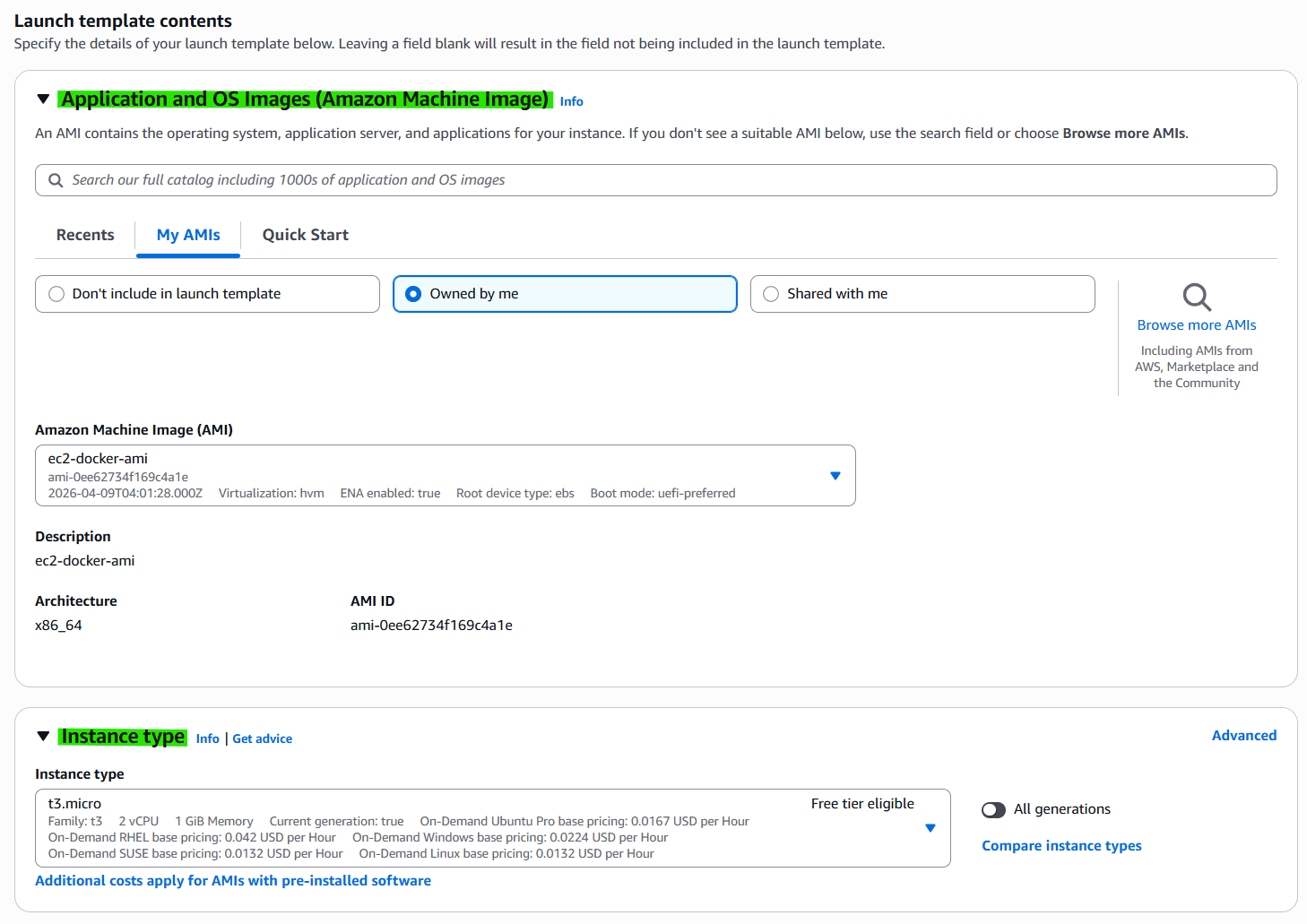
3-5. Step 2. Set Environments (Security)
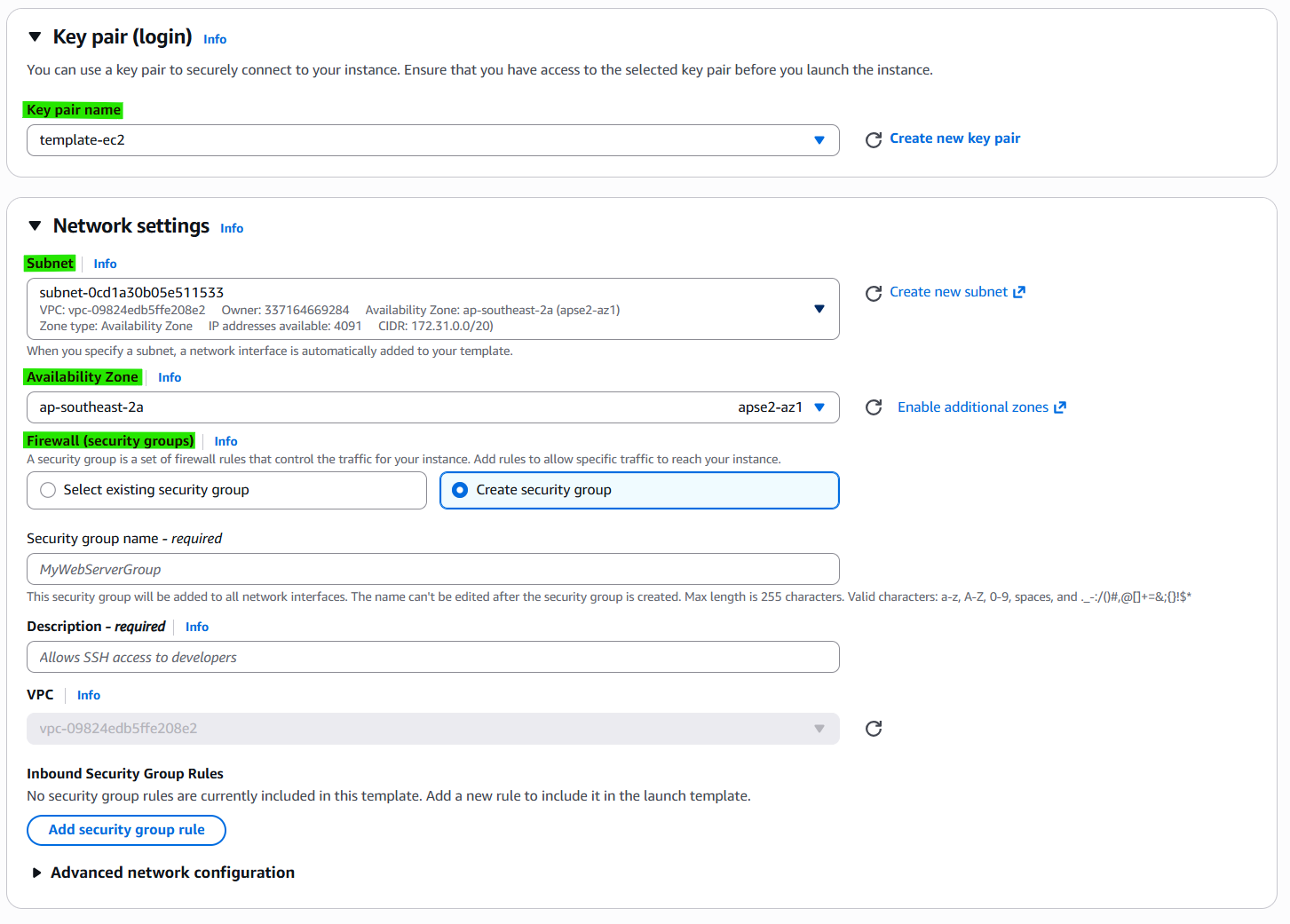
- Subnet, AZ, Firewall is optional
3-6. Step 3. Set Environments (Storage)
3-7. Launch Instance
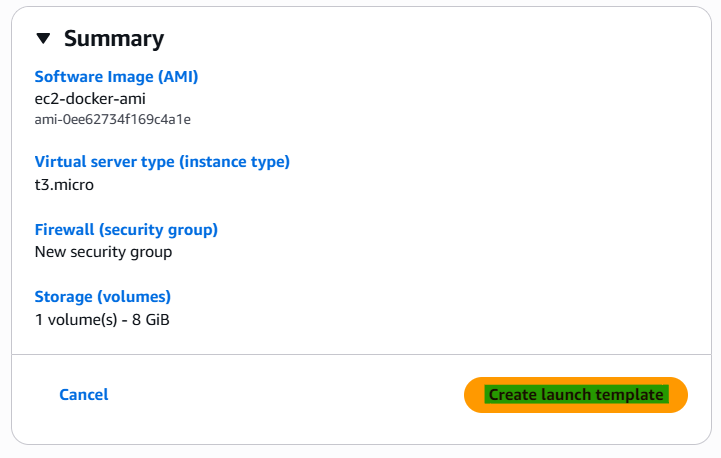
4. Related Concepts
- Components
- Auto scaling
- AMI
This post is licensed under CC BY 4.0 by the author.