06. Internet Gateway
06. Internet Gateway
Internet Gateway
Prerequisites
1. Internet Gateway
Internet Gateway is a core component of AWS networking. It enables Communication between your VPC and the Internet
An Internet Gateway (IGW) is:
- A gateway attached to a VPC
- A bridge between private AWS network and public internet
👉 Without IGW:
- VPC is private
- EC2 cannot access internet
- External users cannot access EC2
Your VPC is completely isolated from the internet
- Horizontally scaled (no bottleneck)
- Highly available
- Managed by AWS
- No additional cost
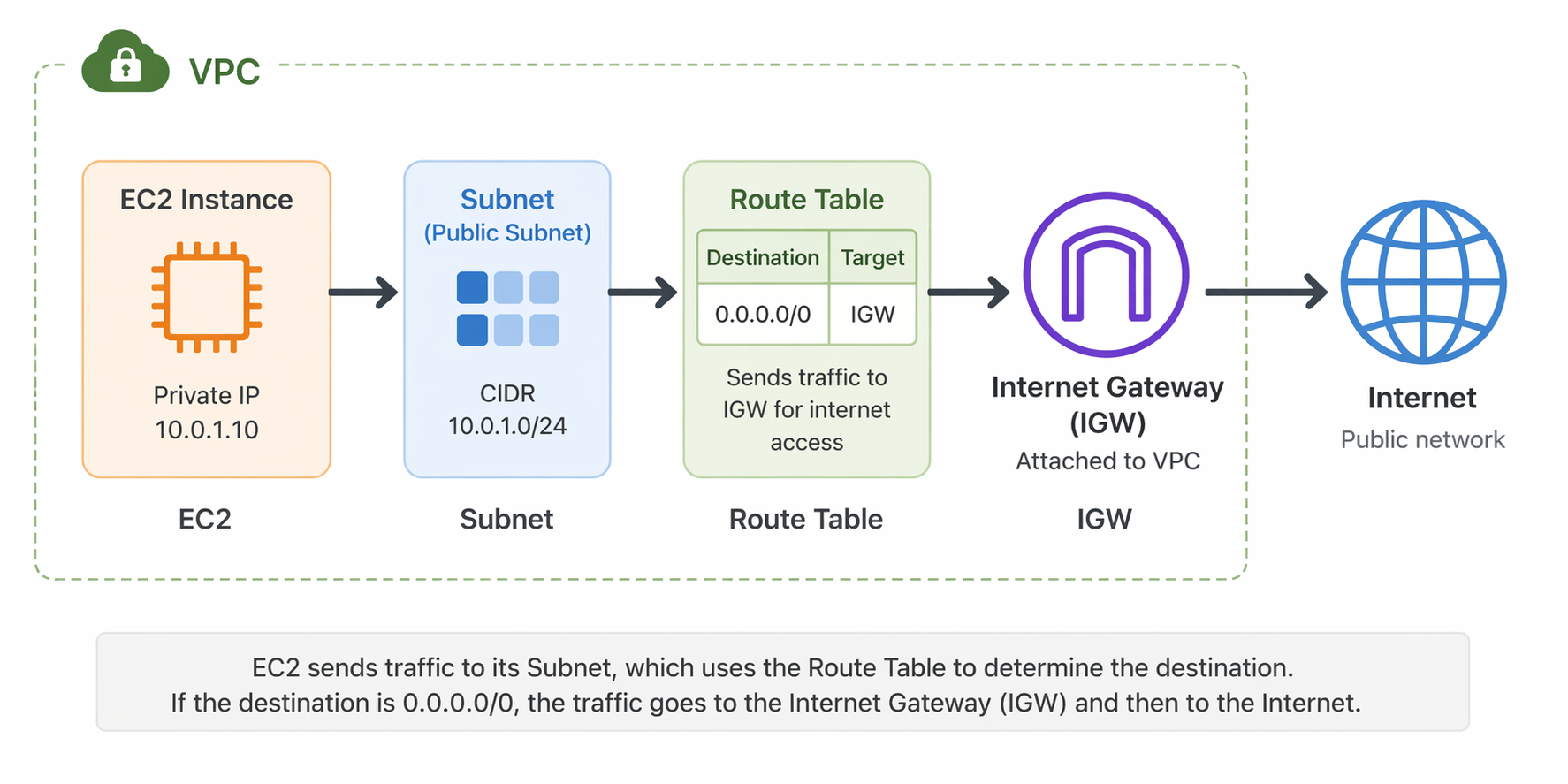
2. How to work IGW
1
2
3
4
5
6
7
8
9
Internet
   ↓
[ Internet Gateway ]
   ↓
[ Public Subnet ]
   └── EC2 (Web Server)
   ↓
[ Private Subnet ]
   └── RDS / Backend
2-1. VPC
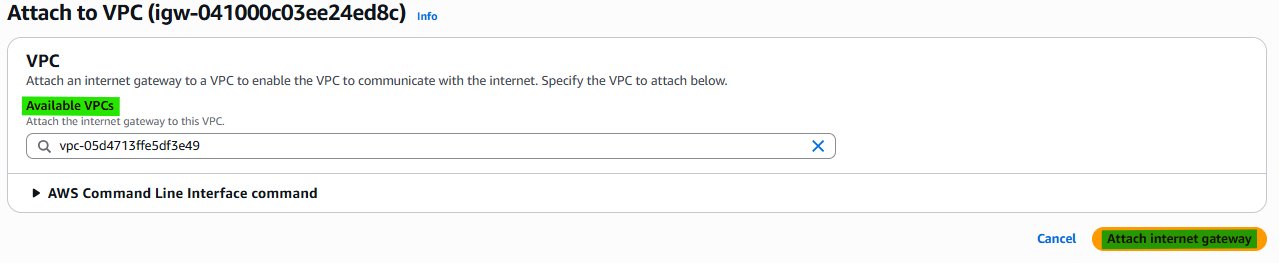
Internet Gateway must be attached to VPC.
2-2. Subnet
A subnet is public if it has a route to an Internet Gateway. NOT Private Subnet.
2-3. Route Table
Route Table must allow internet traffic.
- Example: All outbound traffic goes to the internet
1
2
Destination: 0.0.0.0/0
Target: Internet Gateway
2-4. Public IP
Instance must have Public IP. Public IPv4 or Elastic IP required
2-5. Security Group
Security Group must allow traffic
Example:
- Port 22 (SSH)
- Port 80 (HTTP)
3. How to create IGW
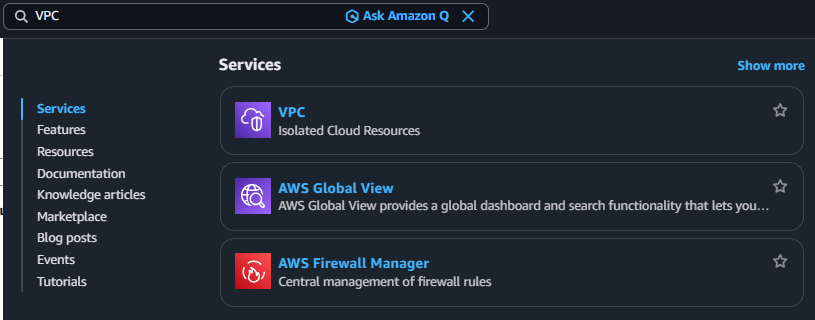
3-1. Search VPC
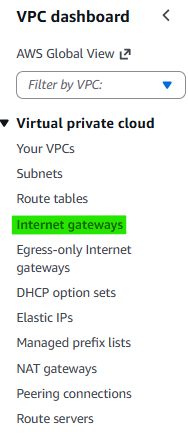
3-2. Click Navigation pane → “Internet gateways”
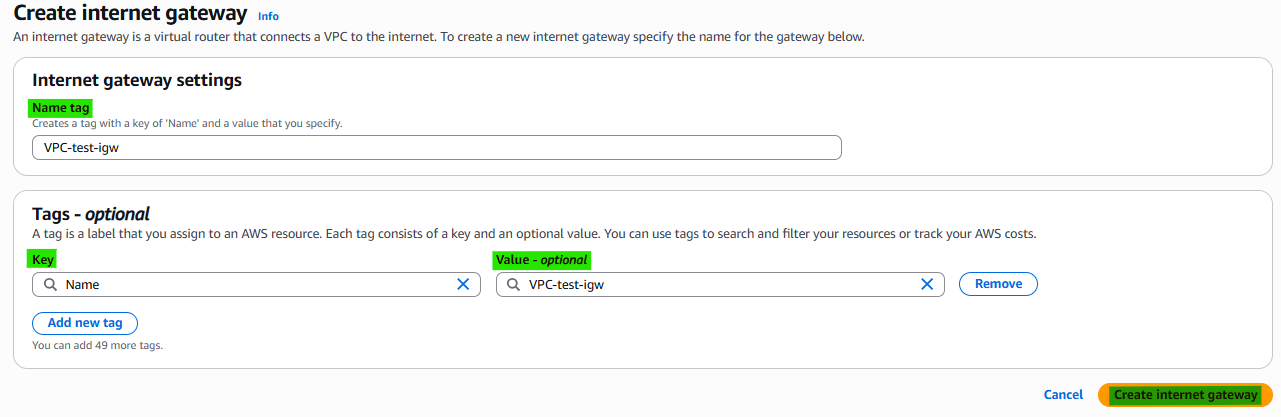
3-3. Click Button → “Create internet gateway”

3-4. Internet gateway settings
3-5. Attach VPC

4. Related Concepts
- Components
- VPC
- Public Subnet
- Router table
- Nat Gateway
This post is licensed under CC BY 4.0 by the author.