04. VPC
04. VPC
VPC
Prerequisites
1. VPC
VPC is the networking foundation of AWS. It provides A logically isolated virtual network dedicated to your AWS account
A VPC (Virtual Private Cloud) is:
- A virtual network for your AWS resources
- Logically isolated from other networks
- Fully controlled by the user
VPC enables:
- Network isolation
- IP address control
- Traffic management
- Security configuration
Without VPC:
- Resources cannot communicate properly
- No control over network boundaries
✔️ Account-Dedicated Network
- Each VPC belongs to a single AWS account
- Completely isolated from other VPCs
✔️ Logical Isolation
- Even though infrastructure is shared physically
- Networks are separated logically
✔️ IP Address Space (CIDR)
This defines the address map of the VPC VPC defines its size using an IP range:
1
10.0.0.0/16
- A VPC exists within a single Region
2. How VPC
To build a VPC environment:
- Define IP range (CIDR block)
- Create subnets
- Attach security groups
- Configure route tables
Define network → segment it → secure it → route traffic
2-1. Subnet
A subnet is a smaller network inside a VPC.
1
2
3
VPC (10.0.0.0/16)
 ├── Subnet A (10.0.1.0/24)
 └── Subnet B (10.0.2.0/24)
- Each subnet exists in one Availability Zone
- Used for high availability architecture
1
2
3
4
Region
 └── VPC
      ├── Subnet (AZ-a)
      └── Subnet (AZ-b)
| Type | Description |
|---|---|
| Public | Has route to Internet Gateway |
| Private | No direct internet access |
2-2. Components
Many AWS services must be placed inside a VPC:
- EC2 (compute)
- RDS (managed database)
- ELB (load balancer)
When you create resources (EC2, RDS, ELB), they are placed inside a VPC
2-3. Internet Gateway (IGW)
- Enables internet access
1
EC2 → VPC → IGW → Internet
2-4. Route Table
Controls traffic flow:
| Destination | Target |
|---|---|
| 0.0.0.0/0 | IGW |
2-5. Security Group
- Instance-level firewall
- Stateful
- Allow rules only
2-6. NACL
- Subnet-level firewall
- Stateless
- Allow & deny rules
2-7. Putting It All Together
1
2
3
4
5
6
7
Internet
   ↓
[ Internet Gateway ]
   ↓
[ Public Subnet ] → EC2 (Web)
   ↓
[ Private Subnet ] → RDS / App
3. How to create VPC
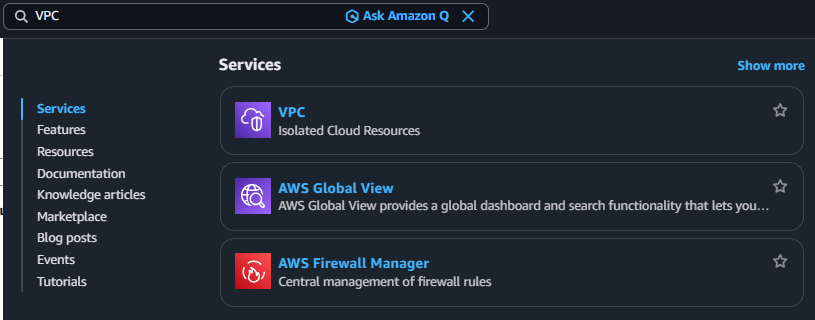
3-1. Search VPC
3-2. Click Navigation pane → “Your VPCs”
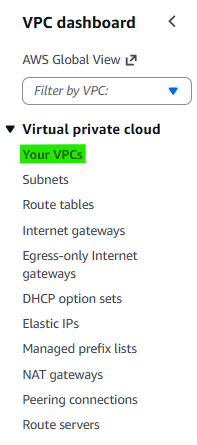
3-3. Click Button → “Create VPC”

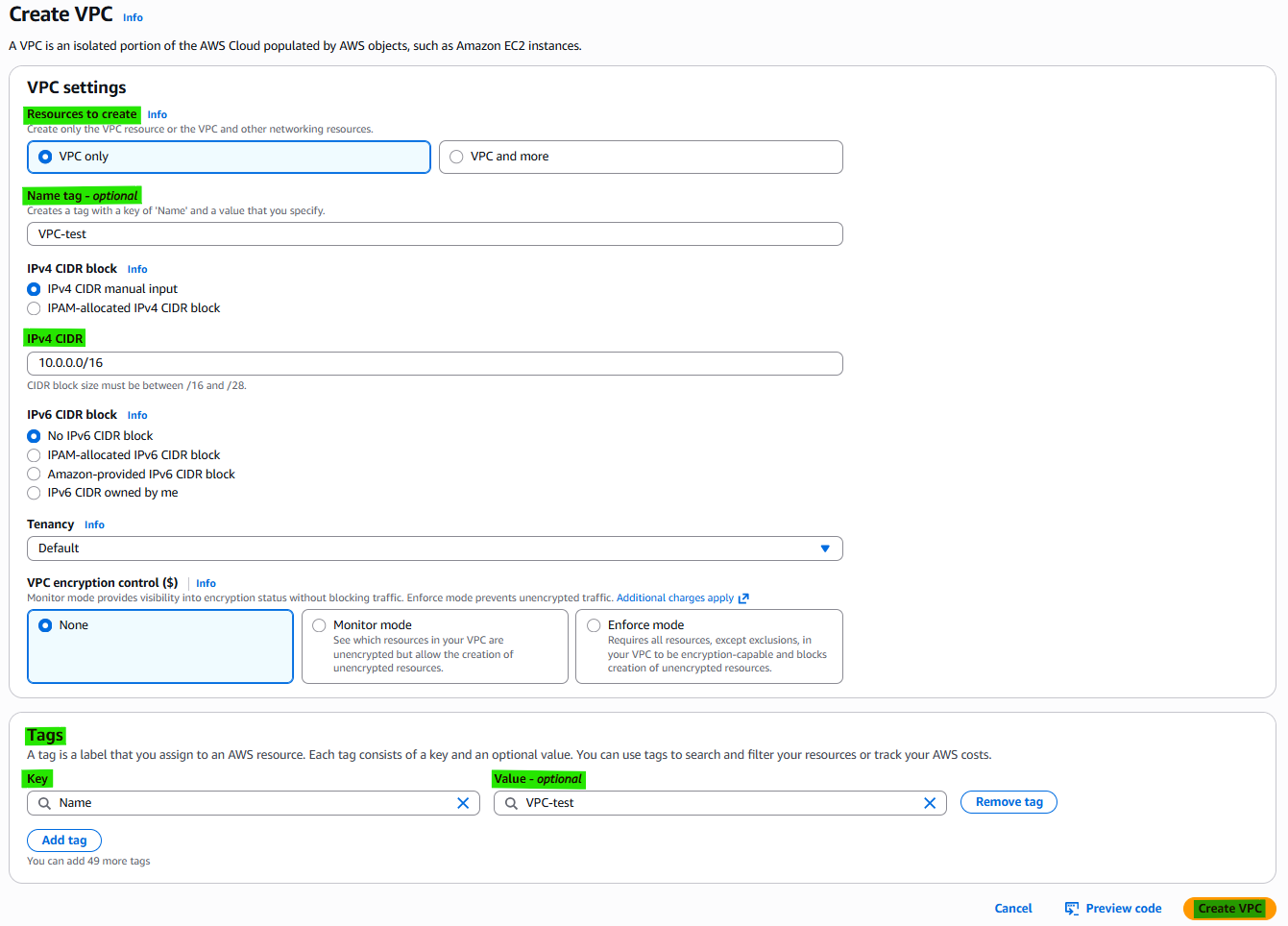
3-4. VPC settings
4. Related Concepts
- Components
- Subnet
- Internet Gateway
- Router table
- Nat Gateway
This post is licensed under CC BY 4.0 by the author.