06. Image Format
06. Image Format
Image Format
Prerequisites
1
python
1. Image Format
Image havs several feature like width, height. And format per pixel has byte types and channels. So we should consider the format before we use.
On production lines, there need high performance, so they use gray scale but mobile app and photo and so on, are needing the RGB format because there’s colorful for customer.
Gray
1
Gray = a x Red + b x Green + c x Blue
1
Gray = 0.299 Red + 0.587 Green + 0.114 Blue
HSV
1
HSV = Hue + Saturation + Value
Hue: Type of color Saturation: Concentration of the color Value: Intensity of the color
- Divide $r, g, b$ by $255$
Compute $c_{max}, c_{min}, diff$
- $c_{max} = \max(r, g, b)$
- $c_{min} = \min(r, g, b)$
- $diff = c_{max} - c_{min}$
Hue calculation
if $c_{max} = c_{min}$
\[h = 0\]if $c_{max} = r$
\[h = \left(60 \times \frac{g-b}{diff} + 360\right) \bmod 360\]if $c_{max} = g$
\[h = \left(60 \times \frac{b-r}{diff} + 120\right) \bmod 360\]if $c_{max} = b$
\[h = \left(60 \times \frac{r-g}{diff} + 240\right) \bmod 360\]
Saturation computation
if $c_{max} = 0$:
\(s = 0\)otherwise
\[s = \frac{diff}{c_{max}} \times 100\]
Value computation
\[v = c_{max} \times 100\]
2. Image Convert Code
1
2
def convertColorSpace(img, colorCode = cv.COLOR_BGR2GRAY):
    return cv.cvtColor(img, colorCode)
1
2
3
4
5
6
7
8
9
10
11
12
13
14
import cv2 as cv
import os
import ImageUtils
import MultiImageViewer as view

if __name__ == "__main__":
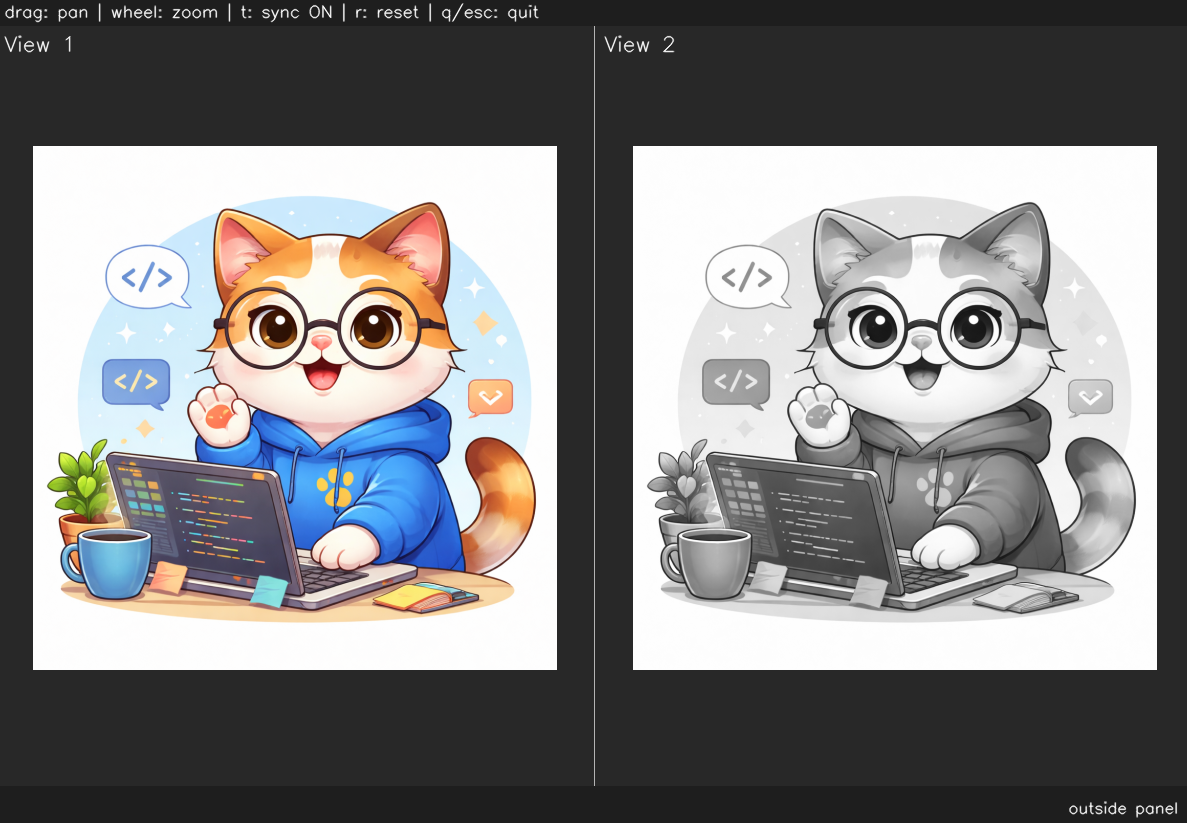
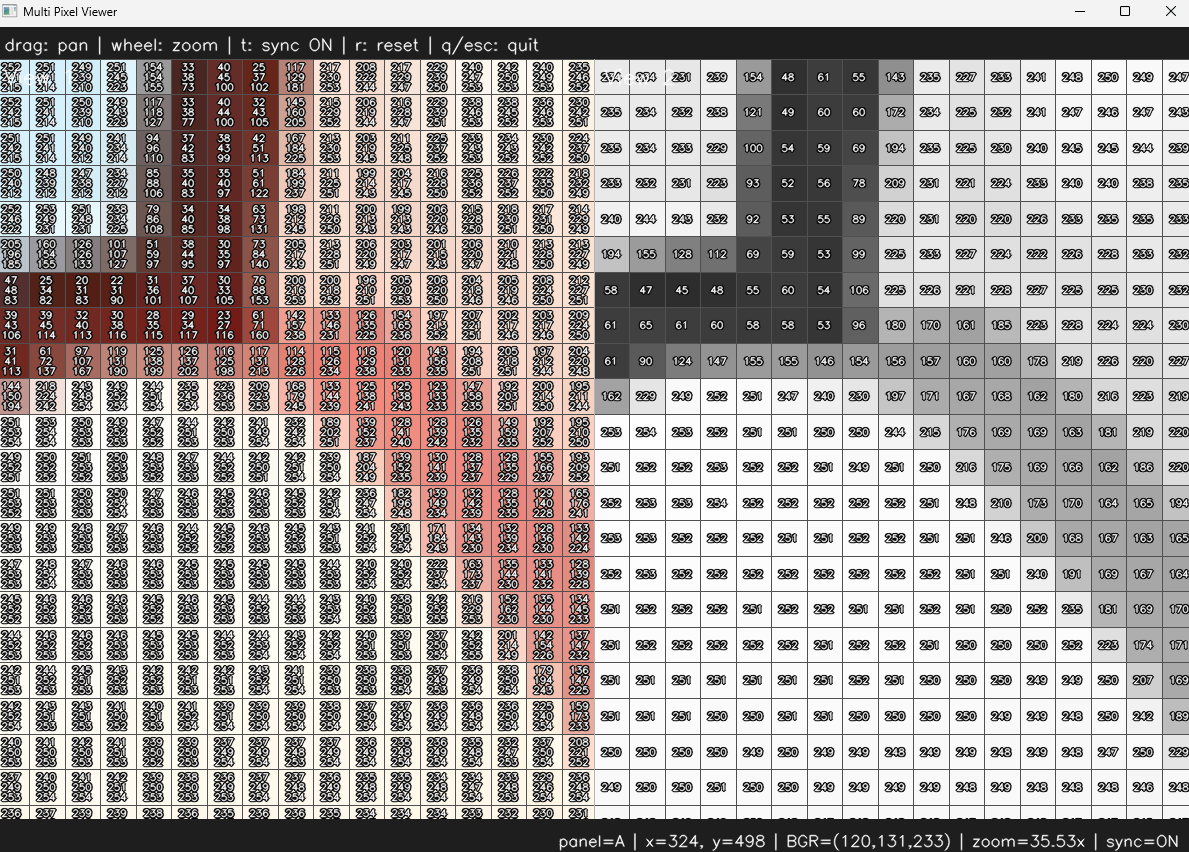
    img = ImageUtils.readImage(ImageUtils.getDataPathWithFile("cat.png"))
    img_gray = ImageUtils.convertColorSpace(img, cv.COLOR_BGR2GRAY)
    viewer = view.MultiImageViewer.from_images(img, img_gray, sync_view=False)
    viewer.run()

    img_hsv = ImageUtils.convertColorSpace(img, cv.COLOR_BGR2HSV)
    viewer = view.MultiImageViewer.from_images(img, img_hsv, sync_view=False)
    viewer.run()
Appendix: HSV Viewer
1
2
3
4
5
6
7
8
9
10
11
12
13
14
15
16
17
18
19
20
21
22
23
24
25
26
27
28
29
30
31
32
33
34
35
36
37
38
39
40
41
42
43
44
45
46
47
48
49
50
51
52
53
54
55
56
57
58
59
60
61
62
63
64
65
66
67
68
69
70
71
72
73
import cv2 as cv
import numpy as np

def nothing(x):
    pass

def HsvViewer():
    win = "HSV Viewer"
    cv.namedWindow(win)

    cv.createTrackbar("H", win, 0, 179, nothing)
    cv.createTrackbar("S", win, 255, 255, nothing)
    cv.createTrackbar("V", win, 255, 255, nothing)

    while True:
        h = cv.getTrackbarPos("H", win)
        s = cv.getTrackbarPos("S", win)
        v = cv.getTrackbarPos("V", win)

        hsv_color = np.uint8([[[h, s, v]]])
        bgr_color = cv.cvtColor(hsv_color, cv.COLOR_HSV2BGR)[0][0]

        canvas = np.zeros((500, 700, 3), dtype=np.uint8)
        canvas[:] = (40, 40, 40)

        # color preview box
        cv.rectangle(
            canvas,
            (50, 80),
            (350, 380),
            tuple(int(x) for x in bgr_color),
            -1
        )

        cv.rectangle(canvas, (50, 80), (350, 380), (255, 255, 255), 2)

        # text info
        b, g, r = bgr_color

        cv.putText(canvas, "HSV Viewer", (50, 40),
                   cv.FONT_HERSHEY_SIMPLEX, 1.0, (255, 255, 255), 2)

        cv.putText(canvas, f"H: {h}", (420, 120),
                   cv.FONT_HERSHEY_SIMPLEX, 0.8, (255, 255, 255), 2)

        cv.putText(canvas, f"S: {s}", (420, 170),
                   cv.FONT_HERSHEY_SIMPLEX, 0.8, (255, 255, 255), 2)

        cv.putText(canvas, f"V: {v}", (420, 220),
                   cv.FONT_HERSHEY_SIMPLEX, 0.8, (255, 255, 255), 2)

        cv.putText(canvas, f"BGR: ({b}, {g}, {r})", (420, 280),
                   cv.FONT_HERSHEY_SIMPLEX, 0.65, (255, 255, 255), 2)

        cv.putText(canvas, "OpenCV HSV range:", (420, 340),
                   cv.FONT_HERSHEY_SIMPLEX, 0.6, (200, 200, 200), 1)

        cv.putText(canvas, "H: 0~179", (420, 370),
                   cv.FONT_HERSHEY_SIMPLEX, 0.6, (200, 200, 200), 1)

        cv.putText(canvas, "S: 0~255", (420, 400),
                   cv.FONT_HERSHEY_SIMPLEX, 0.6, (200, 200, 200), 1)

        cv.putText(canvas, "V: 0~255", (420, 430),
                   cv.FONT_HERSHEY_SIMPLEX, 0.6, (200, 200, 200), 1)

        cv.imshow(win, canvas)

        key = cv.waitKey(16) & 0xFF
        if key == ord("q") or key == 27:
            break

    cv.destroyAllWindows()
This post is licensed under CC BY 4.0 by the author.