04. Image Converter with Lambda
04. Image Converter with Lambda
Send Text Message with Lambda
Prerequisites
1
2
- Lambda
- Python
1. Example
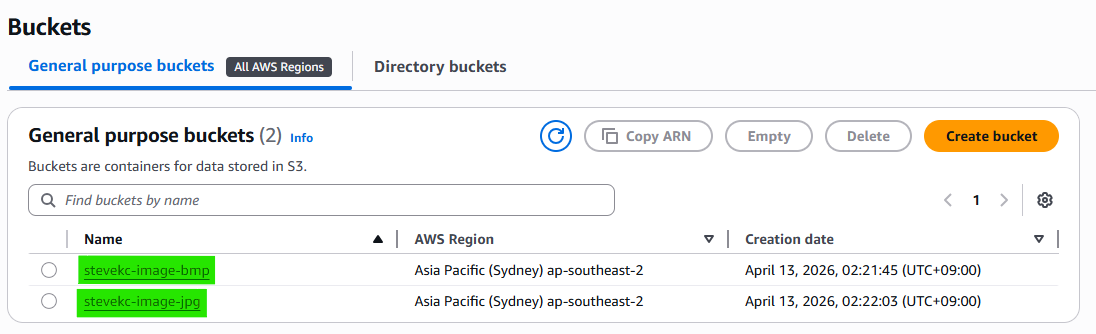
Step 1 — Create S3 Buckets
Step 2 — Create Lambda

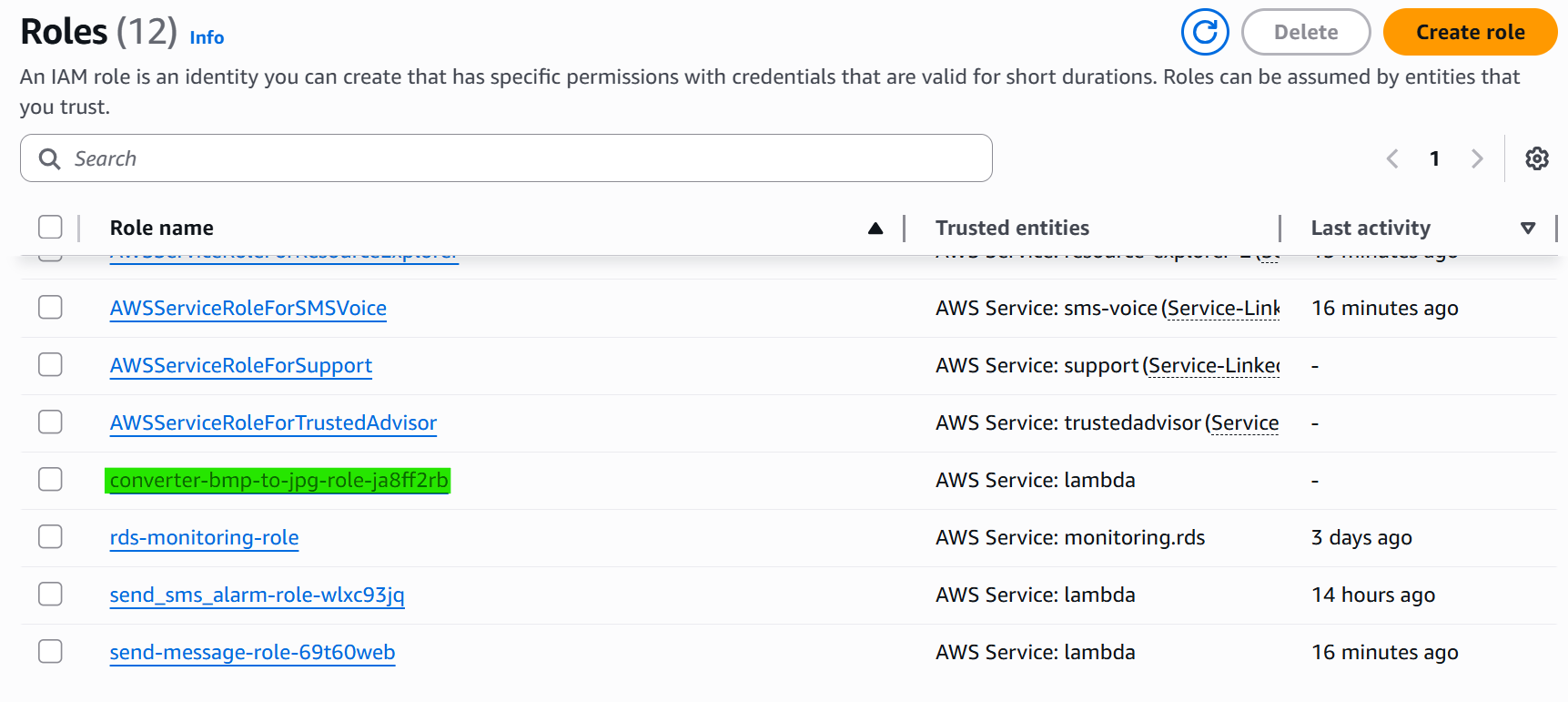
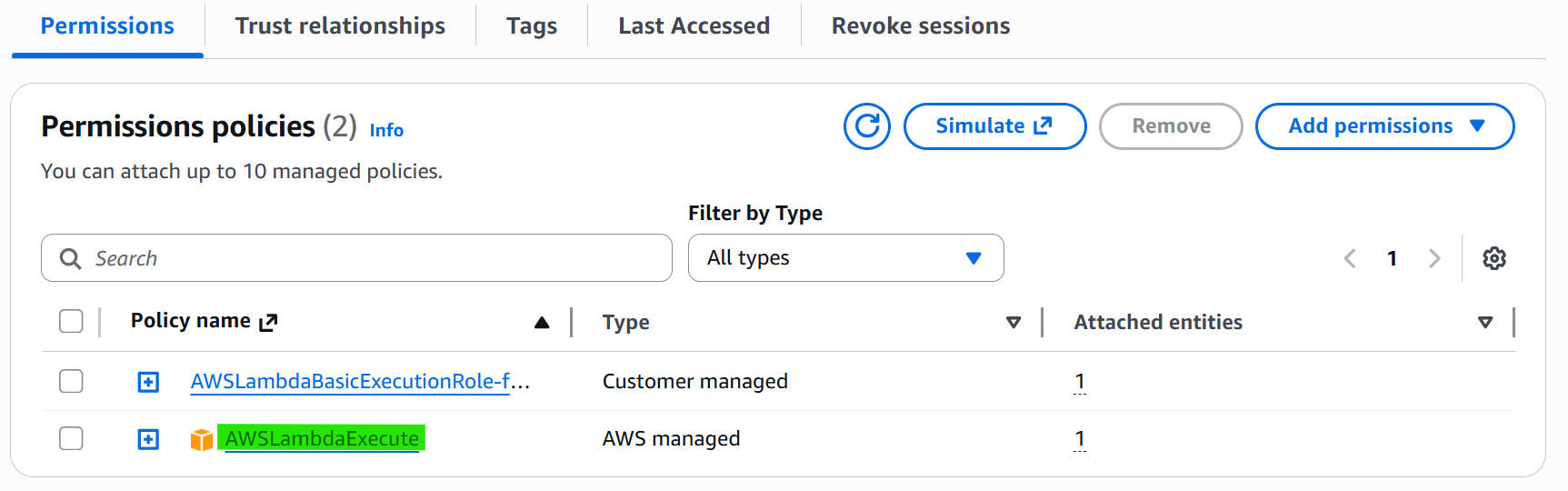
Step 3 — Set Lambda Role Permission from IAM
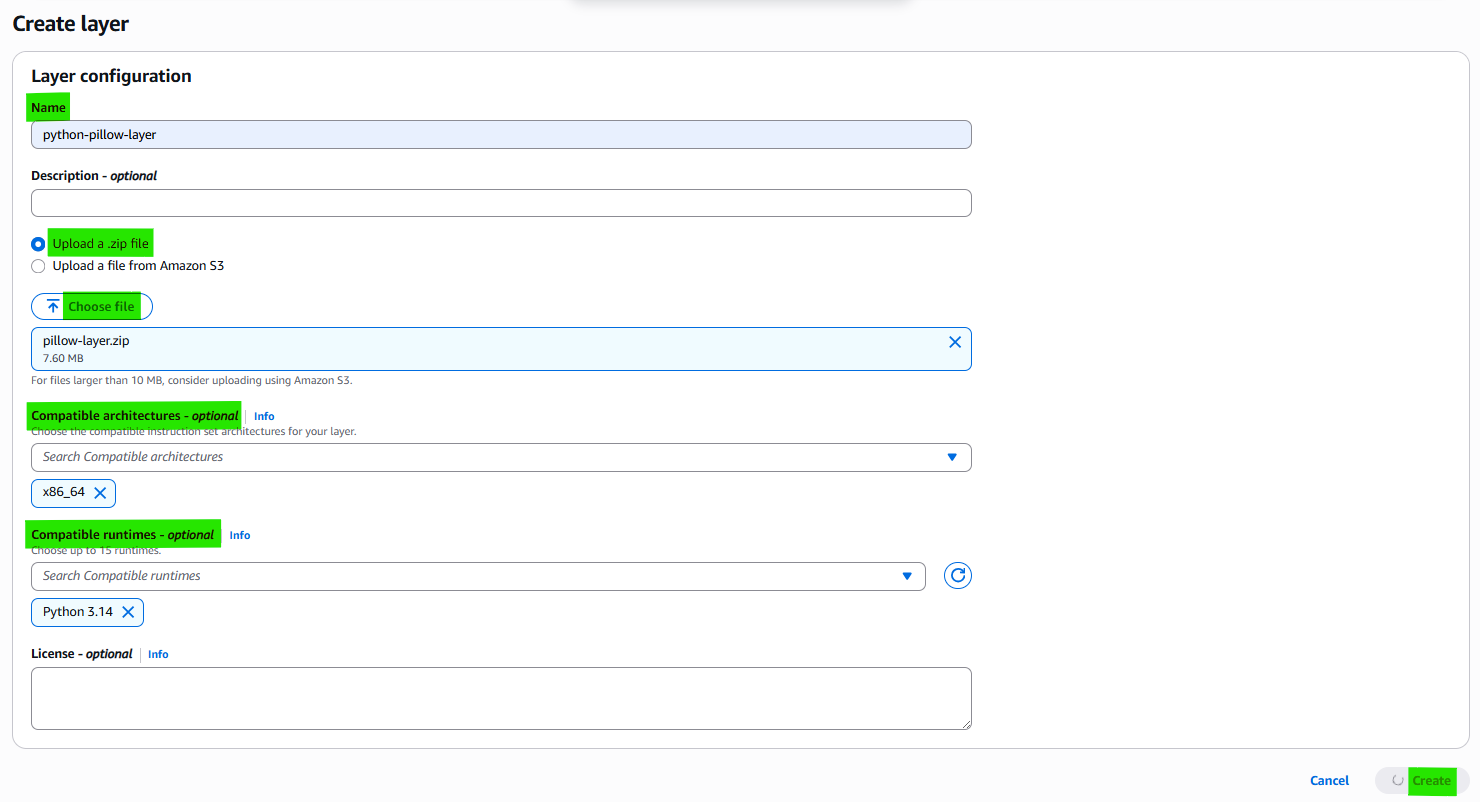
Step 4 — Regist Layer on Lambda Layer Pool
Bring library zip with docker(for Linux)
1
docker run -it --rm -v ${PWD}:/var/task public.ecr.aws/lambda/python:3.14 bash
1
2
3
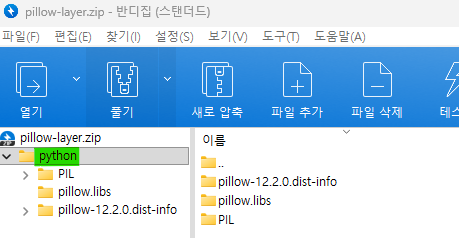
mkdir python
pip install Pillow -t python
exit
Make zip file and MUST KEEP TREE!
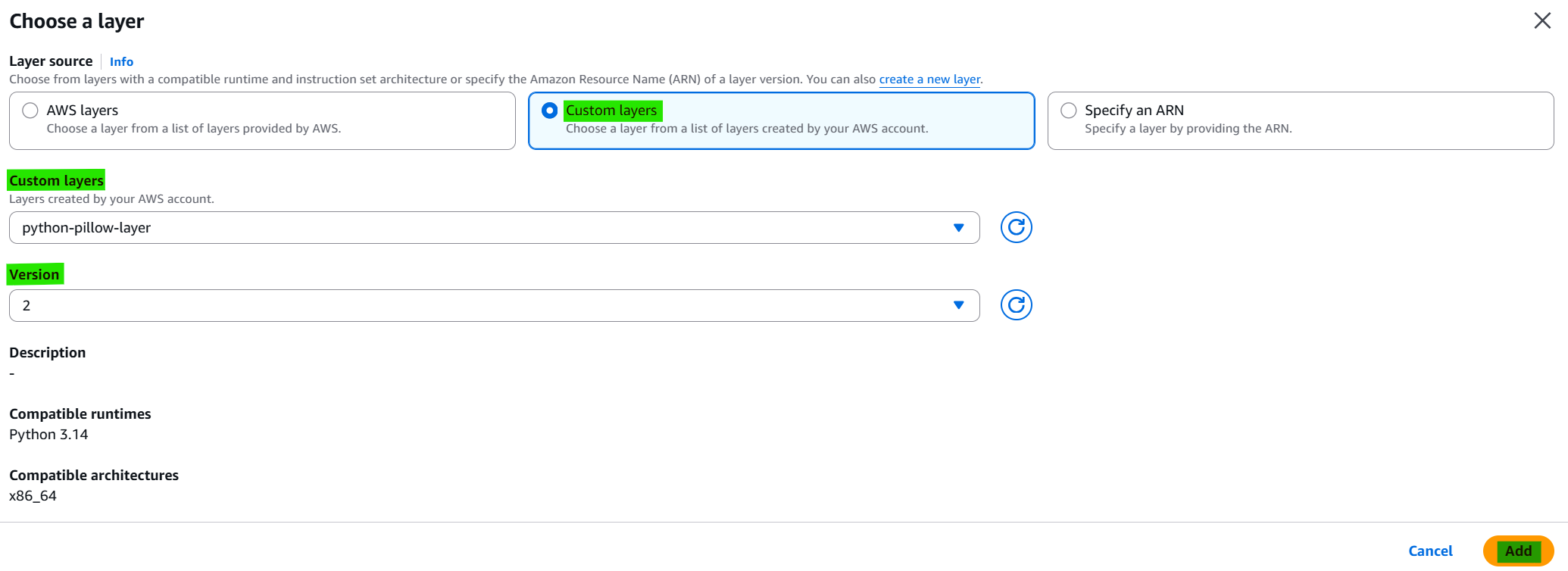
Regist library layer on Lambda Layer Pool

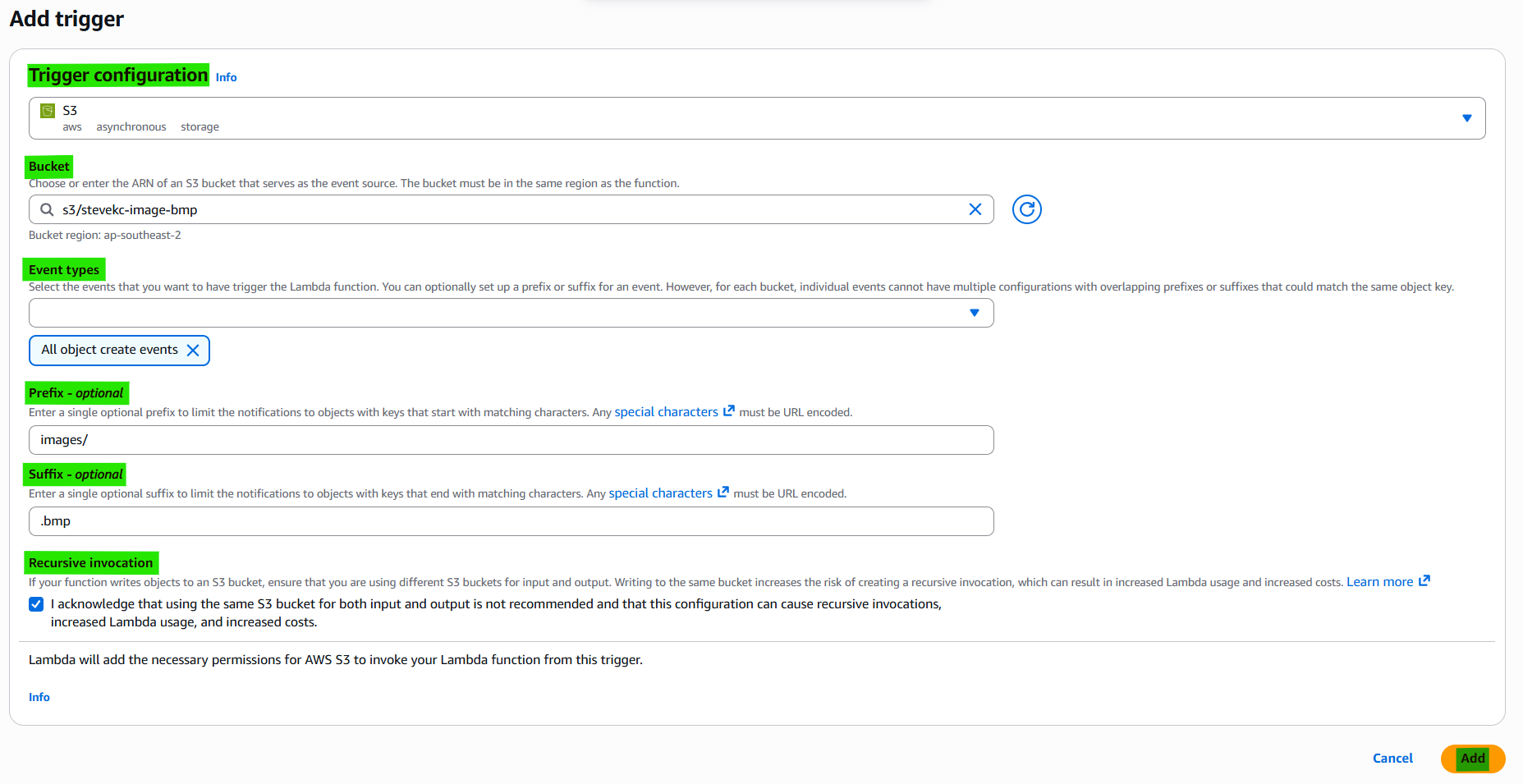
Step 5 — Save Lambda Trigger
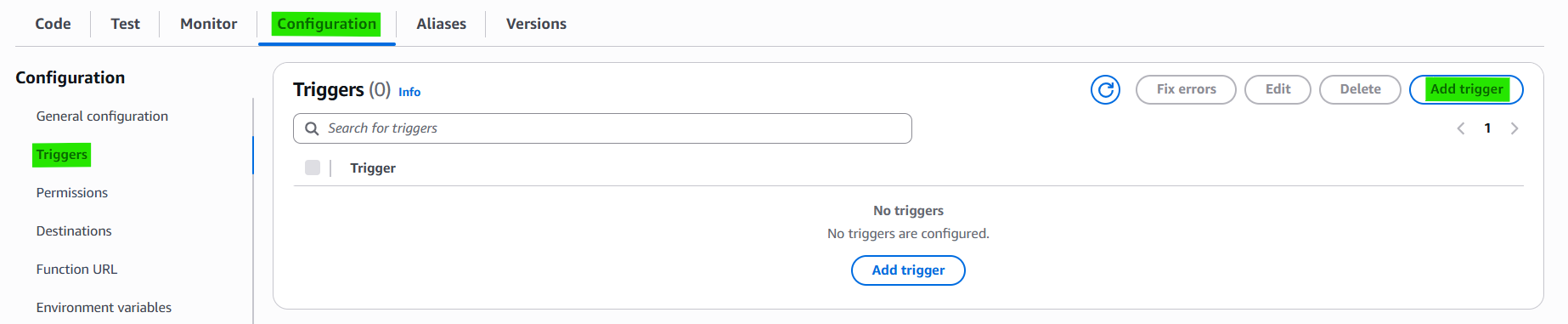
Step 6 — Check Trigger on S3


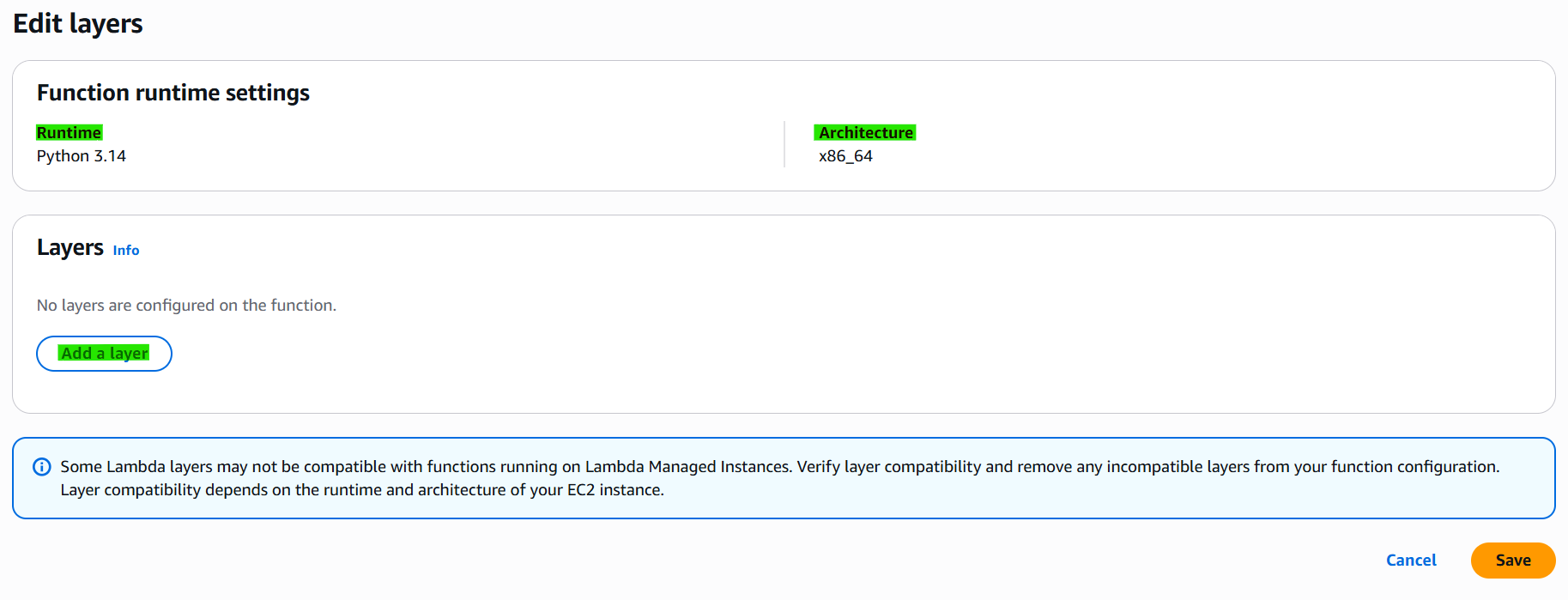
Step 7 — Set Layer on Lambda function
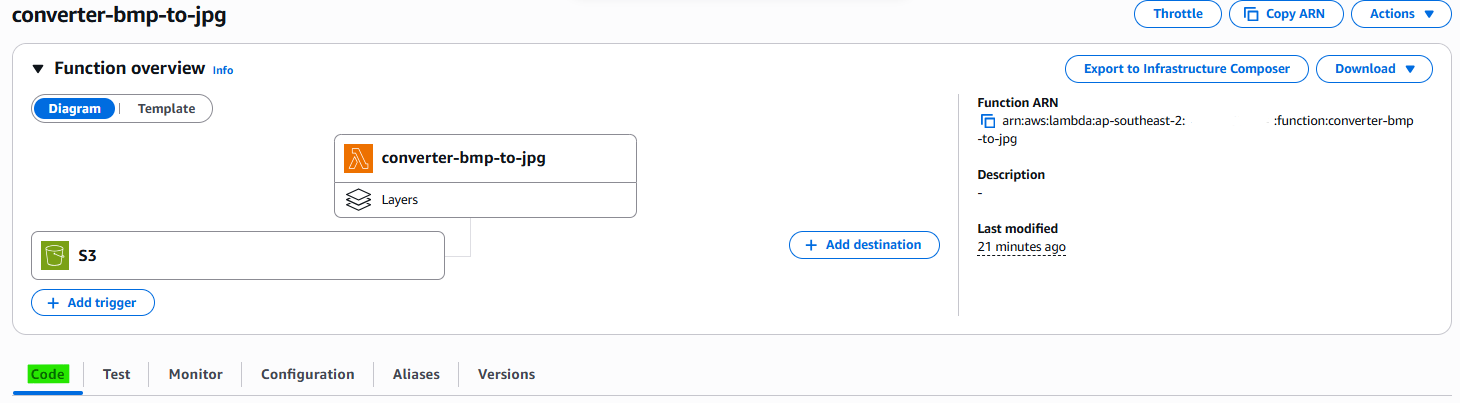

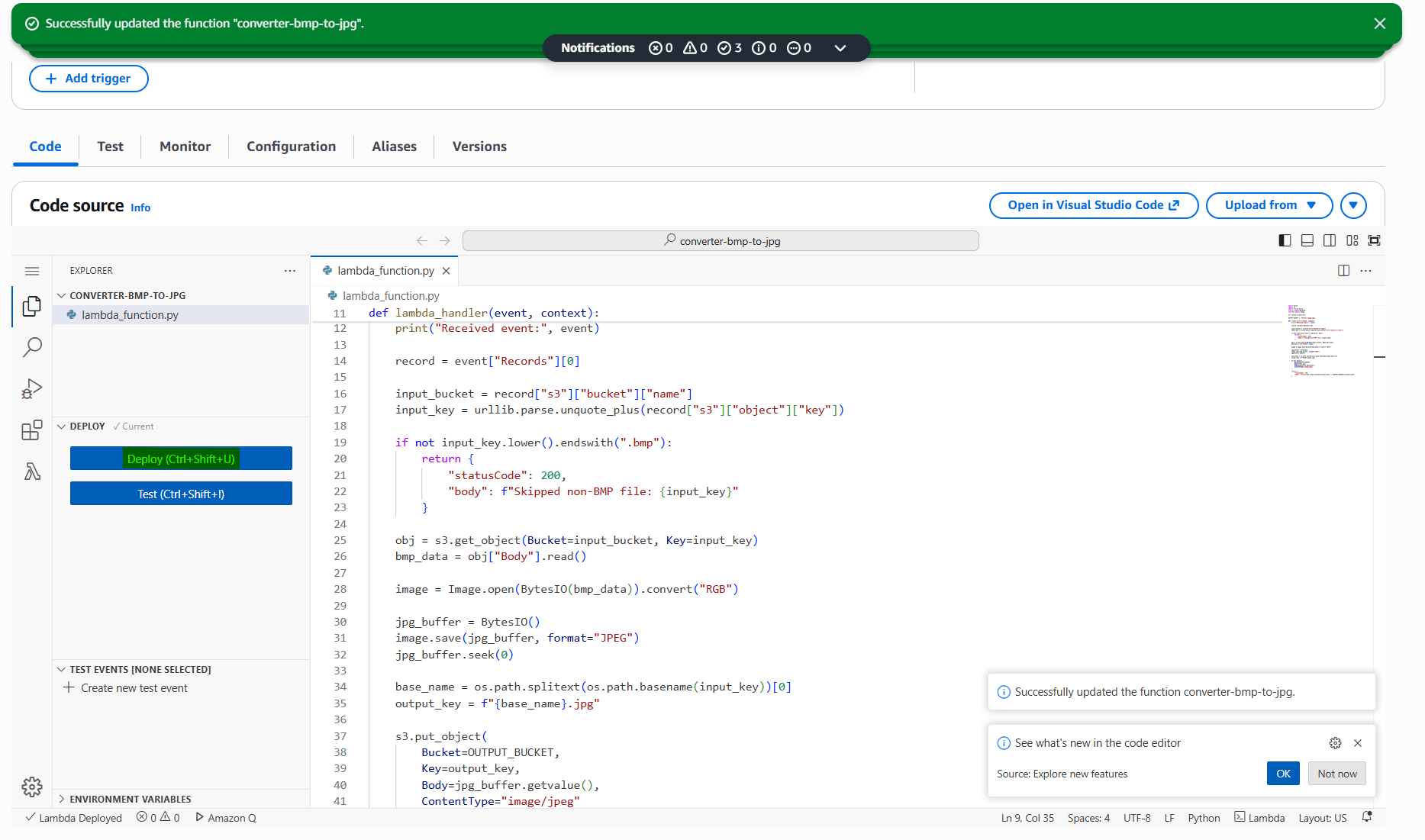
Step 8 — Write Code and Deploy
1
2
3
4
5
6
7
8
9
10
11
12
13
14
15
16
17
18
19
20
21
22
23
24
25
26
27
28
29
30
31
32
33
34
35
36
37
38
39
40
41
42
43
44
45
46
47
48
49
50
51
52
53
54
import json
import boto3
from io import BytesIO
from PIL import Image

s3 = boto3.client("s3")

def lambda_handler(event, context):
    print("EVENT =", json.dumps(event))

    try:
        record = event["Records"][0]
        input_bucket = record["s3"]["bucket"]["name"]
        input_key = record["s3"]["object"]["key"]

        print("INPUT BUCKET:", input_bucket)
        print("INPUT KEY:", input_key)

        obj = s3.get_object(Bucket=input_bucket, Key=input_key)
        print("S3 GET SUCCESS")

        bmp_data = obj["Body"].read()

        image = Image.open(BytesIO(bmp_data)).convert("RGB")
        print("IMAGE LOAD SUCCESS")

        jpg_buffer = BytesIO()
        image.save(jpg_buffer, format="JPEG")
        jpg_buffer.seek(0)

        output_key = input_key.replace(".bmp", ".jpg")

        OUTPUT_BUCKET = "stevekc-image-jpg"

        print("OUTPUT BUCKET:", OUTPUT_BUCKET)
        print("OUTPUT KEY:", output_key)

        s3.put_object(
            Bucket=OUTPUT_BUCKET,
            Key=output_key,
            Body=jpg_buffer.getvalue(),
            ContentType="image/jpeg"
        )

        print("UPLOAD SUCCESS")

        return {
            "statusCode": 200,
            "body": f"Converted {input_bucket}/{input_key} -> {OUTPUT_BUCKET}/{output_key}"
        }

    except Exception as e:
        print("ERROR:", str(e))
        raise
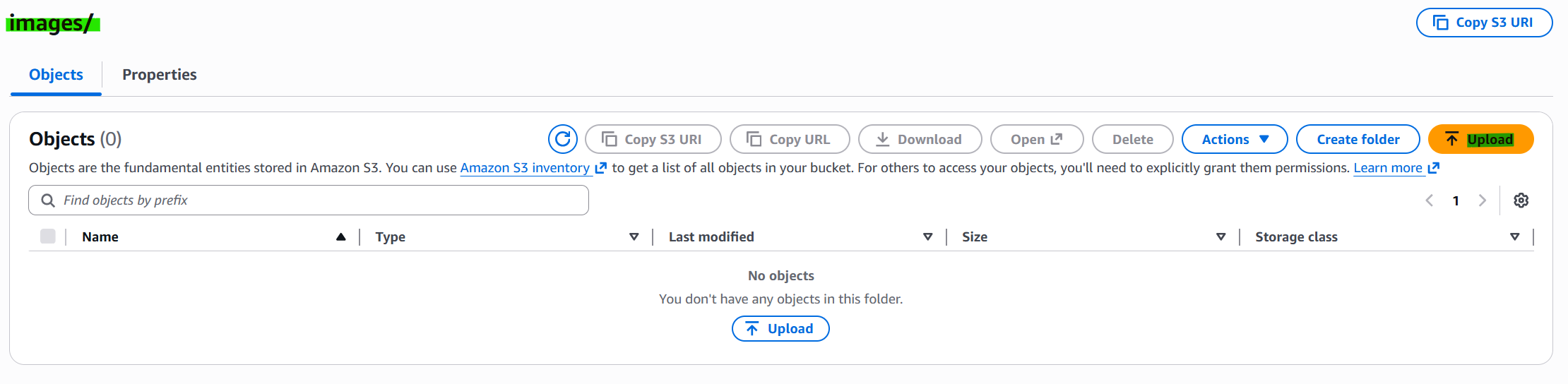
Step 9 — Upload S3 for trigger
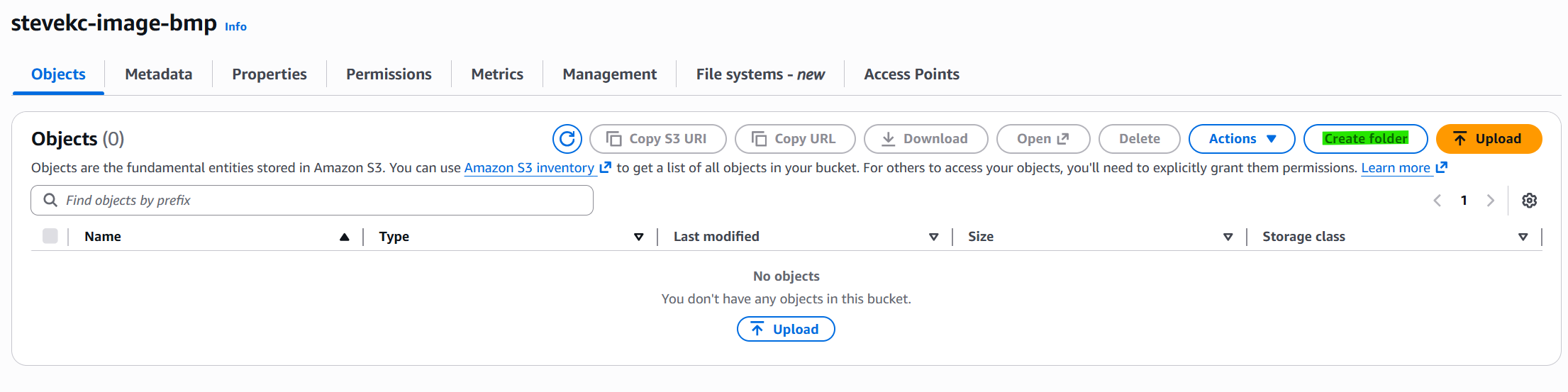
INPUT S3 : stevekc-image-bmp
- Trigger condition: when file is upload that is set to images/*.bmp
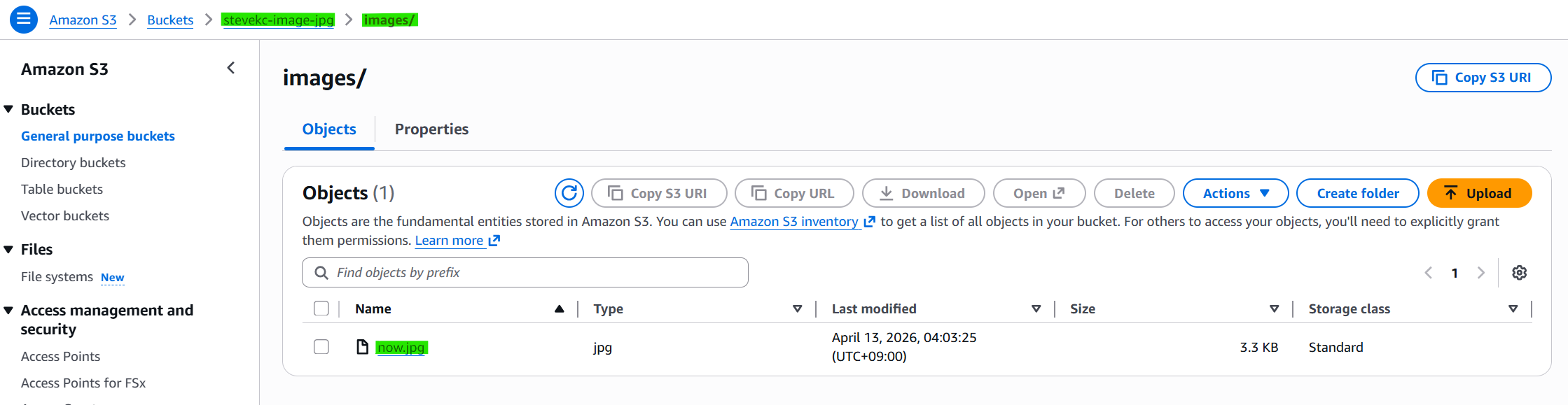
Step 10 — Check S3 result
OUTPUT S3 : stevekc-image-jpg
2. Miscellaneous
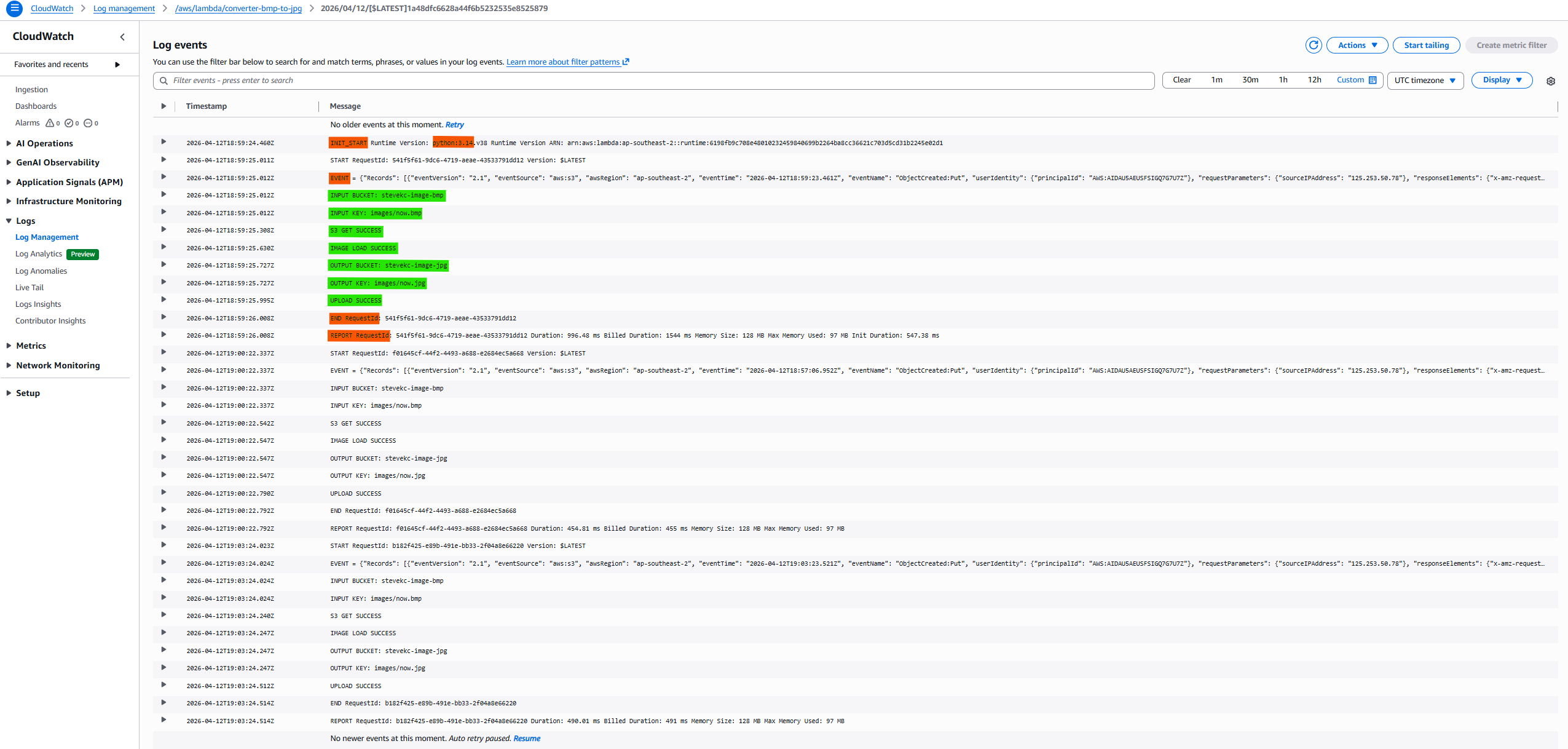
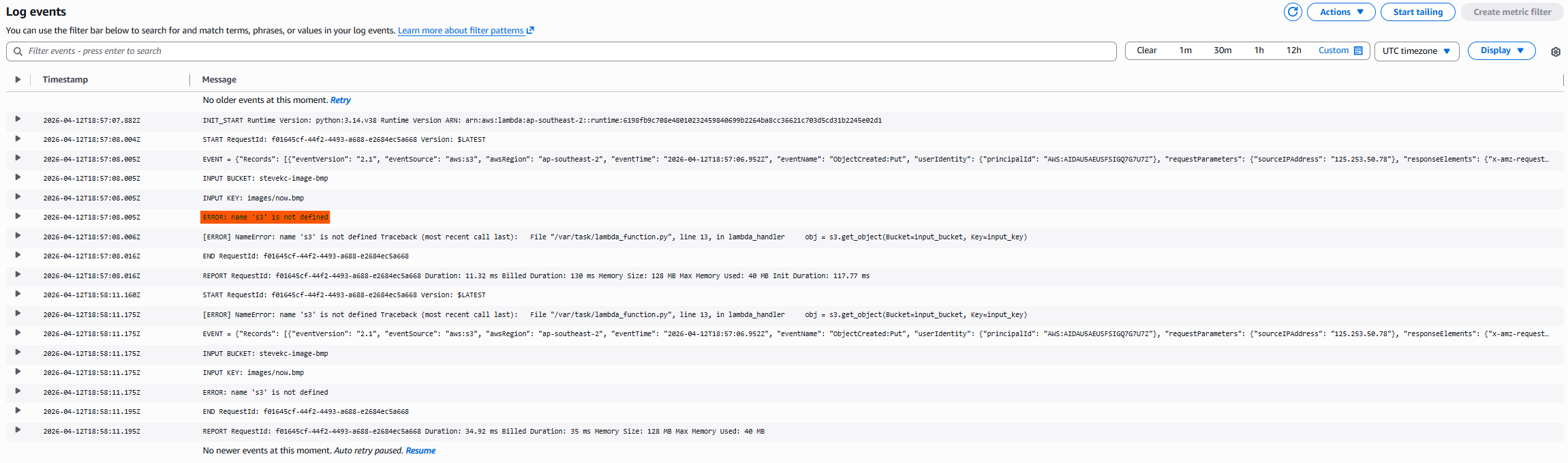
2.1 Check Log from CloudWatch
SUCCESS
FAIL
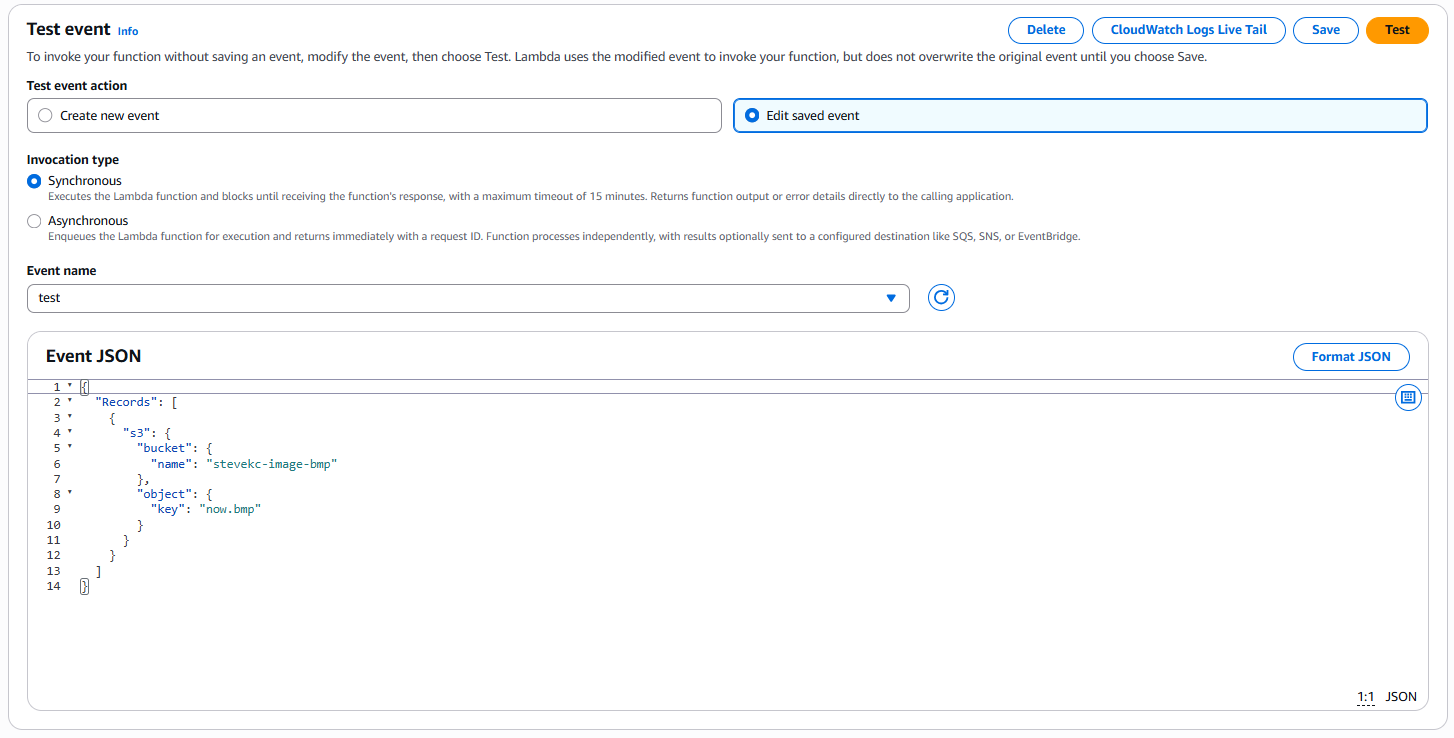
2.2 Lambda Test Code
1
2
3
4
5
6
7
8
9
10
11
12
13
14
{
  "Records": [
    {
      "s3": {
        "bucket": {
          "name": "stevekc-image-bmp"
        },
        "object": {
          "key": "now.bmp"
        }
      }
    }
  ]
}
This post is licensed under CC BY 4.0 by the author.