23. AWS SageMaker for ML/AI
AWS SageMaker
Prerequisites
1. What is AWS SageMaker
AWS SageMaker is a fully managed machine learning (ML) platform that allows you to:
- build models
- train models
- deploy models
all in one place, without managing infrastructure
2. Why AWS SageMaker exists
In real-world ML, the problem is not just “making a model”.
The real challenges are:
- setting up servers (CPU / GPU)
- scaling training
- deploying models as APIs
- managing versions
- handling traffic
SageMaker solves these problems.
SageMaker = “ML + Infrastructure Automation”
Instead of this:
1
Write model → Setup server → Install dependencies → Train → Deploy API → Maintain server
You do this:
1
Write model → SageMaker handles everything else
3. What You Actually Use It For
3-1. Model Training
You can train models using:
- your own code (PyTorch, TensorFlow)
- built-in algorithms
- pre-trained models
without setting up GPU machines manually
3-2. Model Deployment
SageMaker can turn your model into:
- a REST API
- real-time prediction service
no need to build backend servers
3-3. Scalable Infrastructure
- automatically uses powerful instances
- can scale up/down depending on workload
useful for large datasets or production traffic
3-4. Experiment Management
- track training jobs
- manage different model versions
helps when experimenting with multiple models
flowchart LR
    A[Data] --> B[Training]
    B --> C[Model]
    C --> D[Endpoint]
    D --> E[Prediction API]
4. When You Should Use It
4-1. Good Use Cases
- production ML service
- large-scale training
- cloud-based deployment
- team collaboration
4-2. Not Necessary When
- simple experiments
- learning ML basics
- small datasets
5. How to create
5-1. Set Network
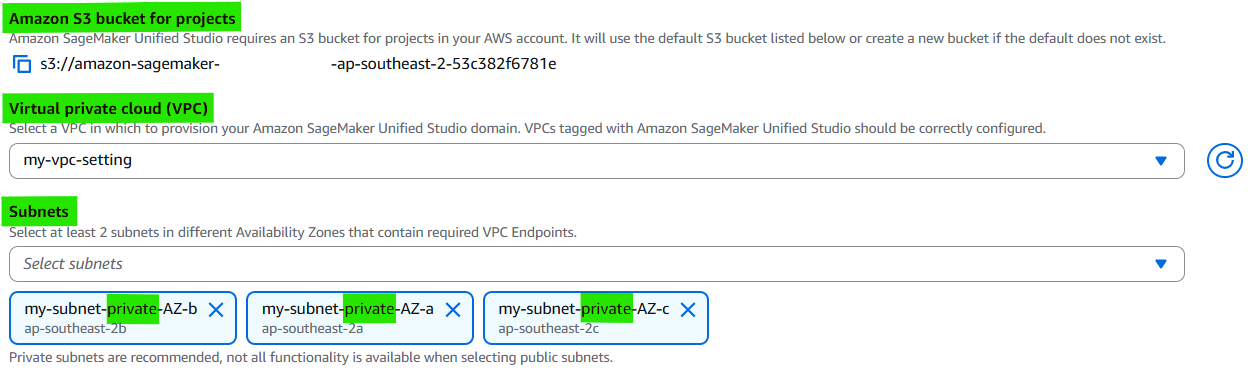
SageMaker is usually used on private subnect that can approach resource from air-gapped network for security. So we should build VPC, Subnet, NAT, IGW for the private network.
If it is not set, some aws servies like s3 can be approached
1
2
3
4
5
6
7
[SageMaker Studio]
        ↓
[Private Subnet]
        ↓
(NAT Gateway)
        ↓
Internet
How to build network in AWS

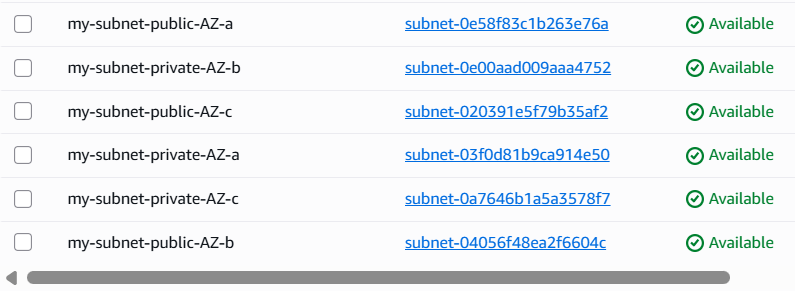



- How to build VPC : https://kcnote.github.io/posts/AWS-04-VPC/
- How to build Subnet : https://kcnote.github.io/posts/AWS-05-Subnet/
- How to build IGW : https://kcnote.github.io/posts/AWS-06-Internet-Gateway/
- How to build Route : https://kcnote.github.io/posts/AWS-07-Route-Table/
- How to build NAT : https://kcnote.github.io/posts/AWS-08-NAT-Gateway/
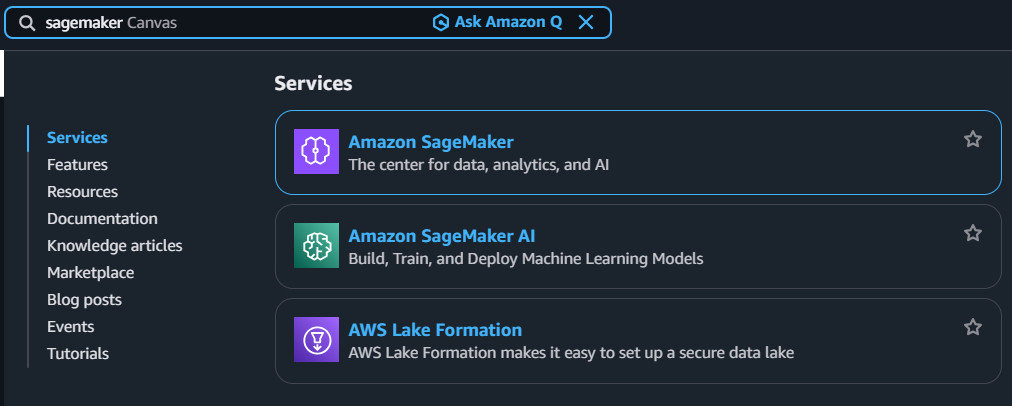
5-2. Search SageMaker
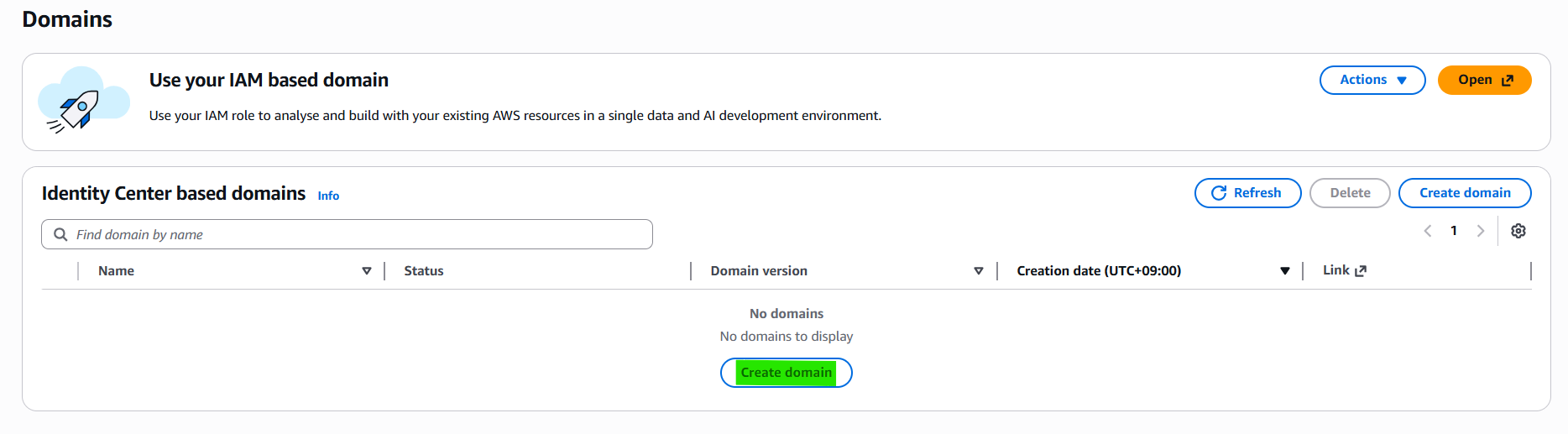
5-3. Click Navigation pane → “Domains”
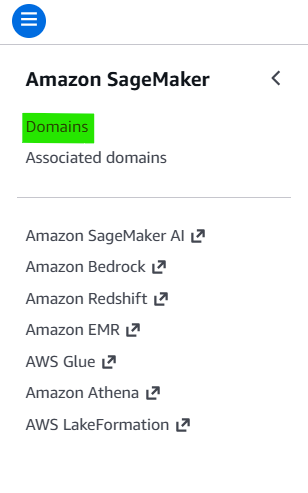
5-4. Click Button → “Create Domain”
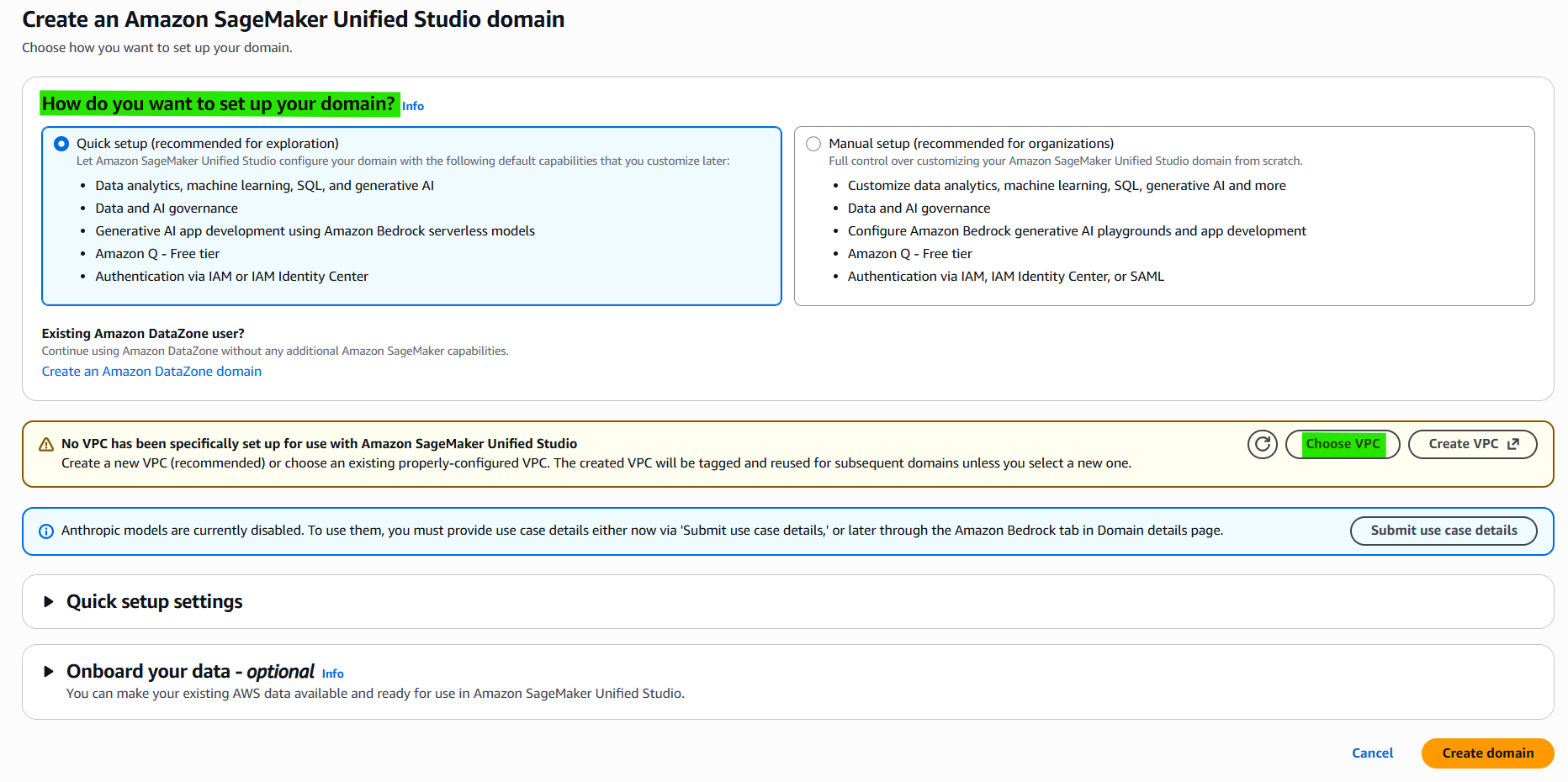
5-5. Create an Amazon SageMaker Unified Studio domain

5-6. Enter Domain management

5-7. Create Project on Domain
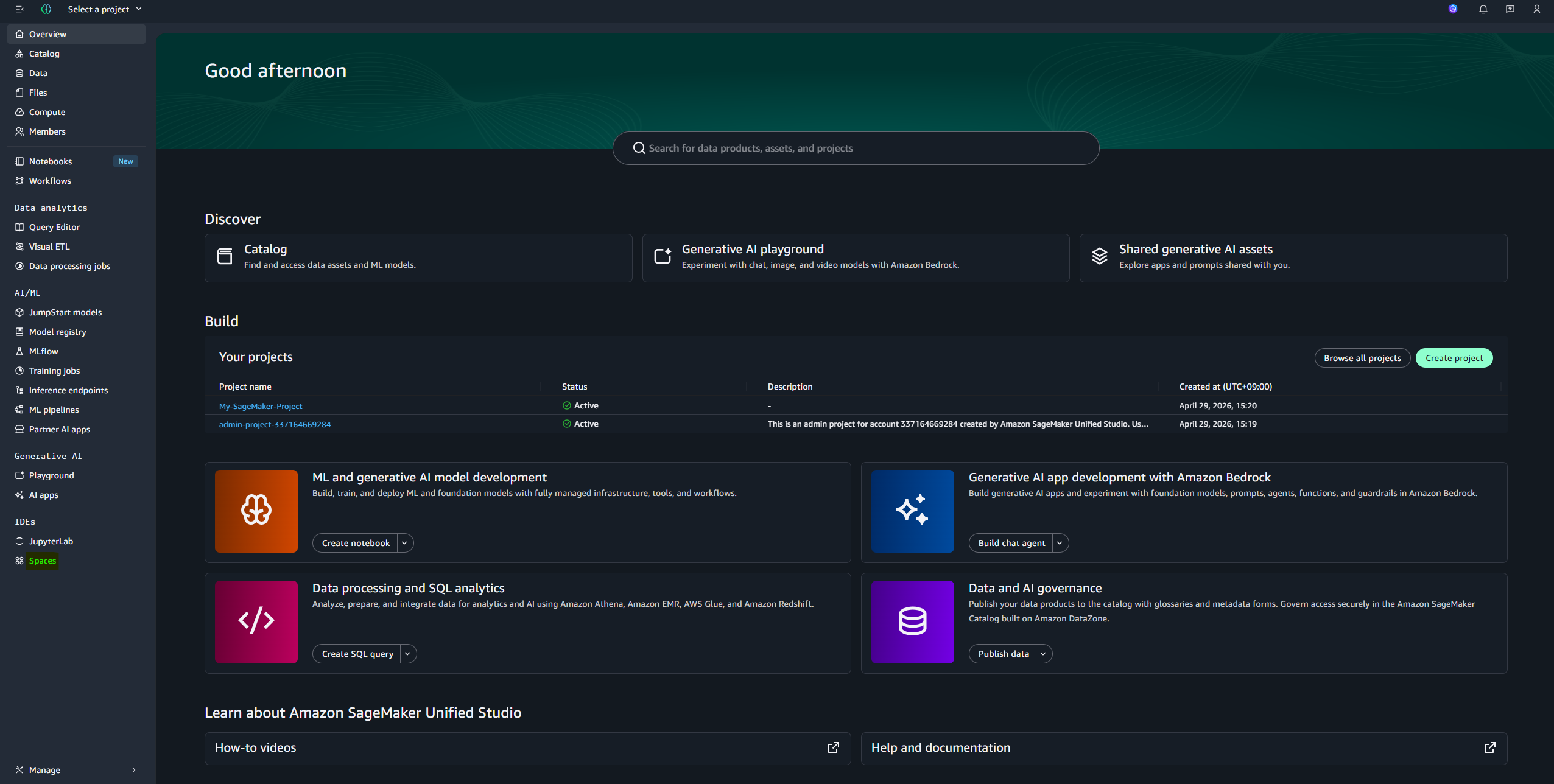
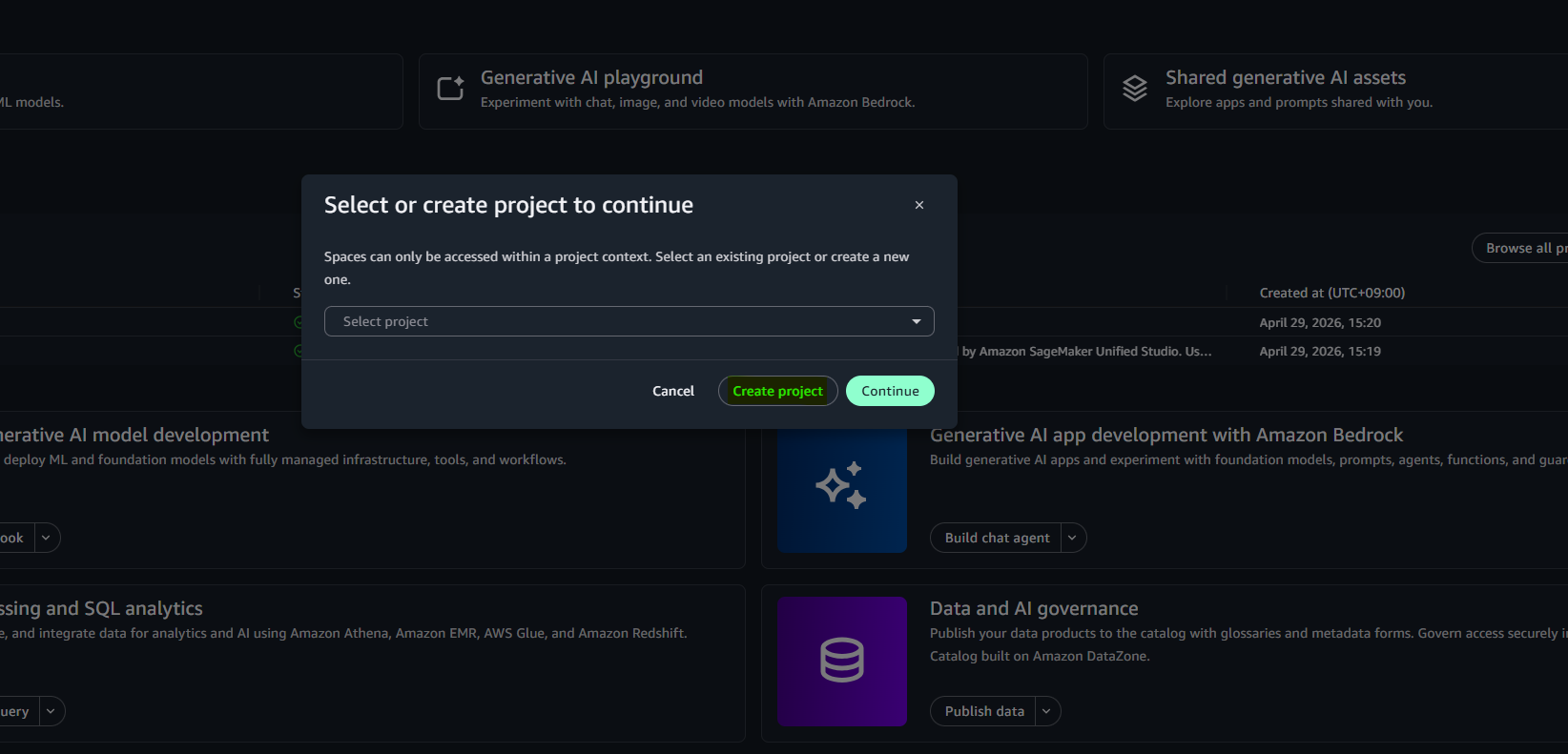
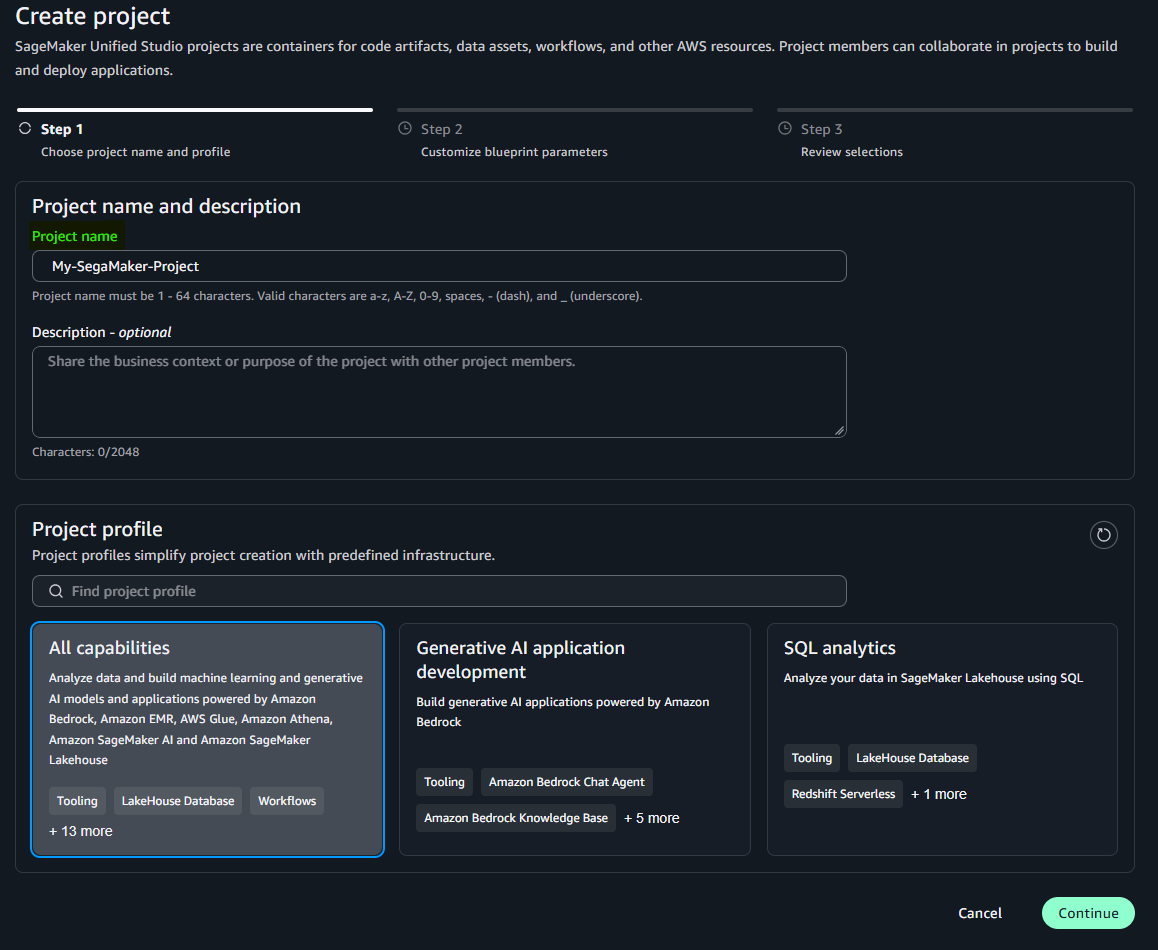
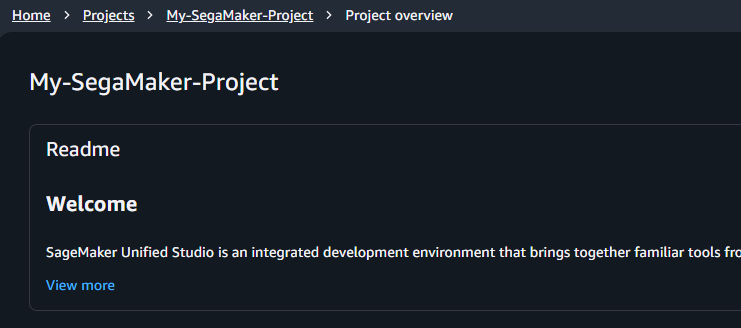
5-8. Connect Project
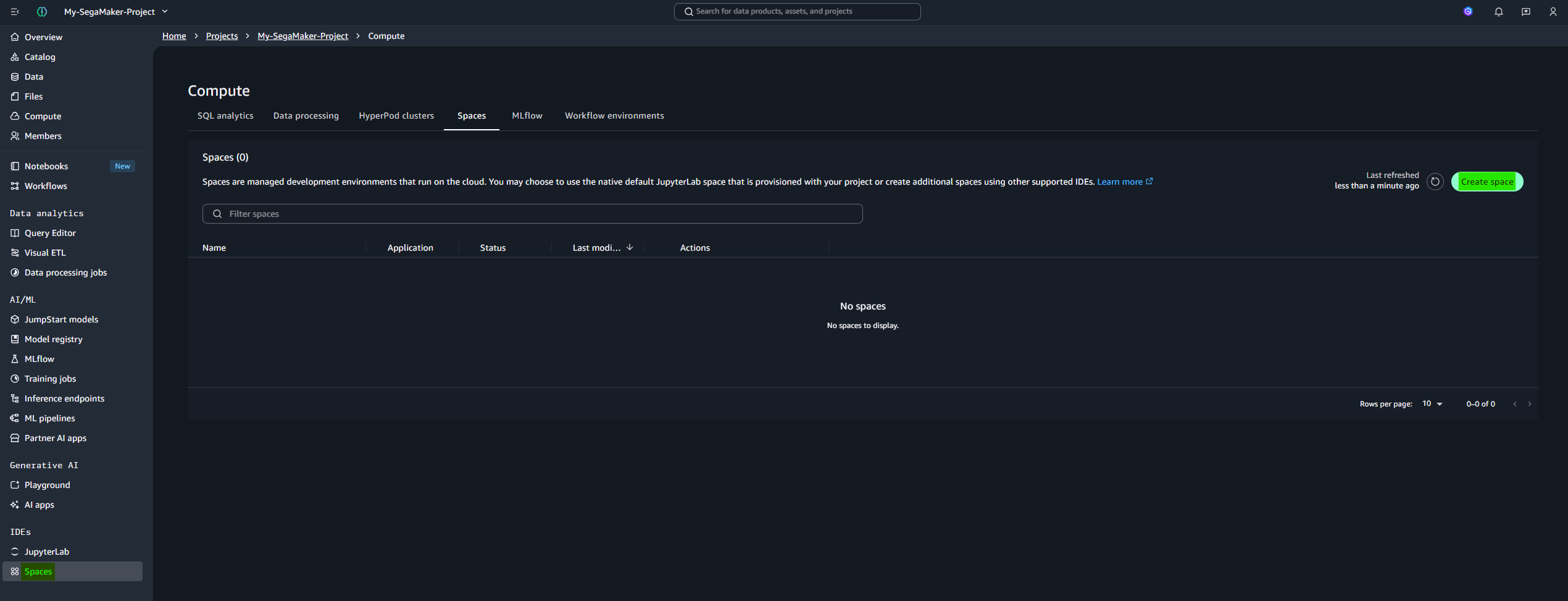
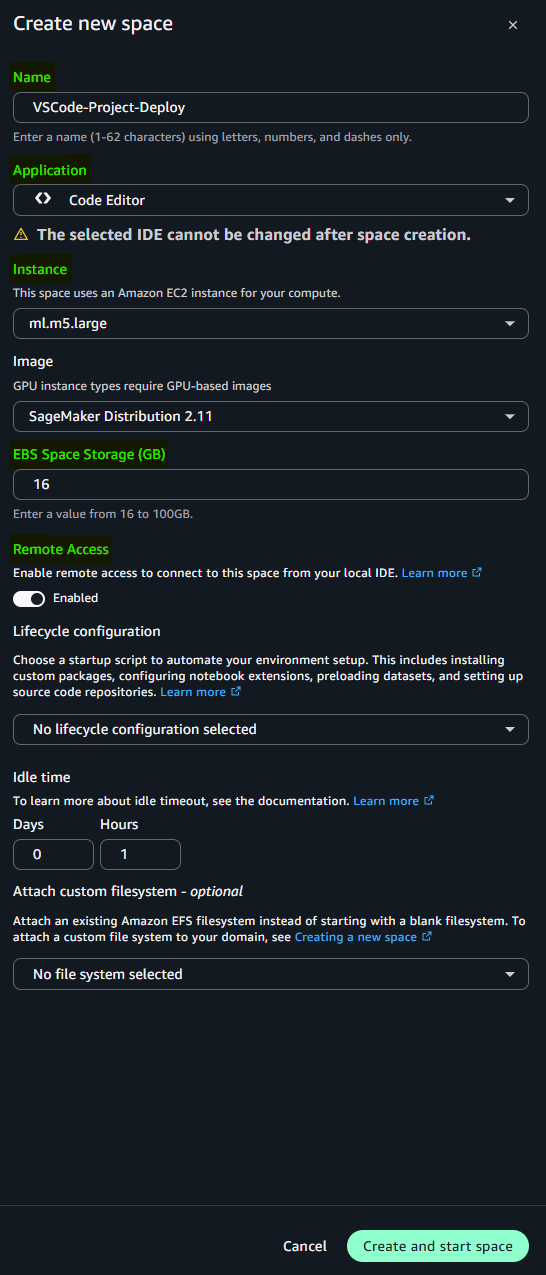
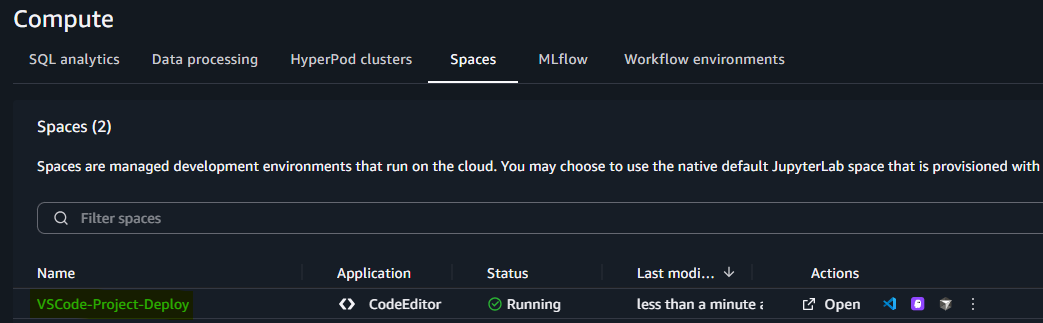
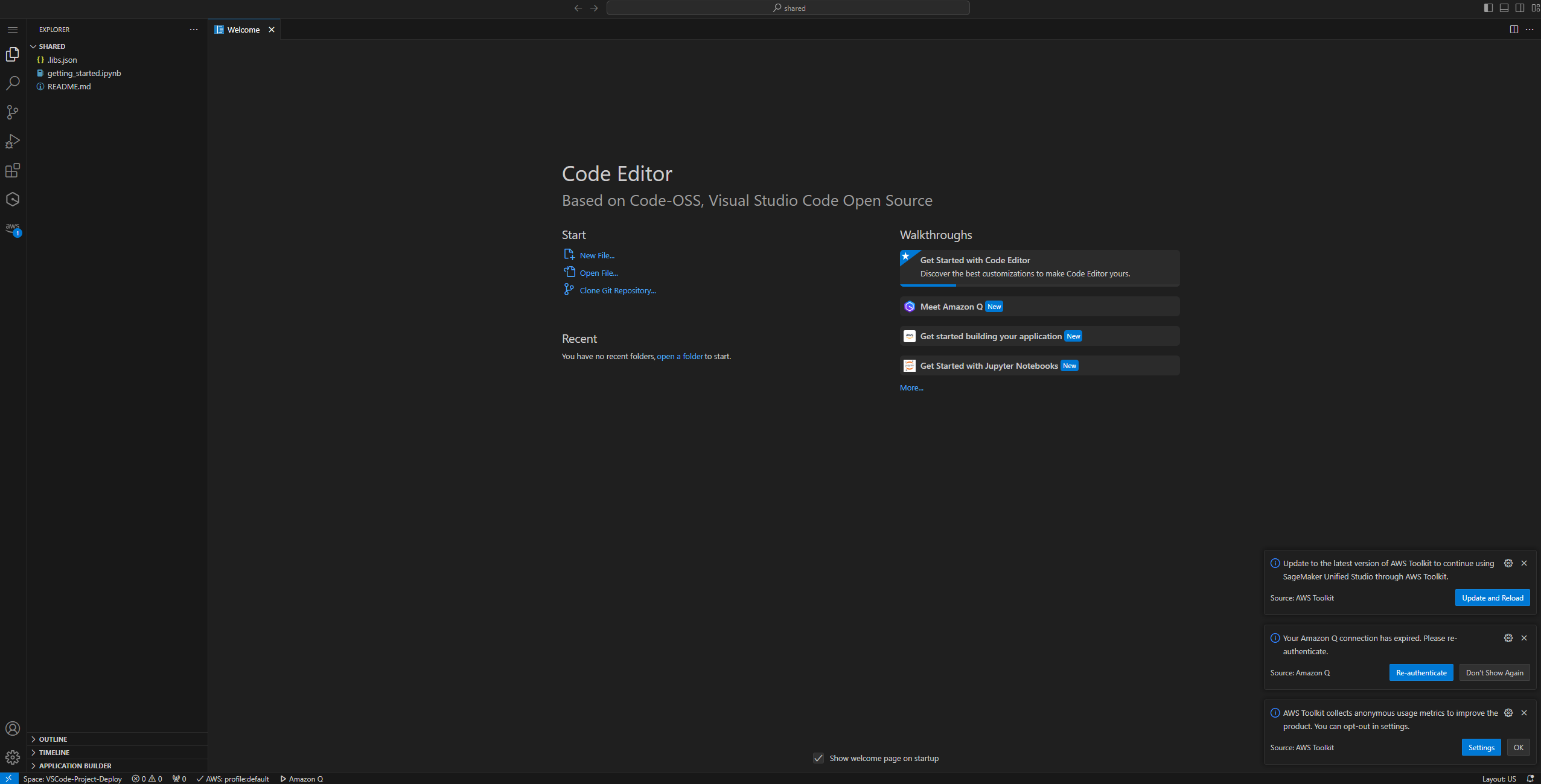
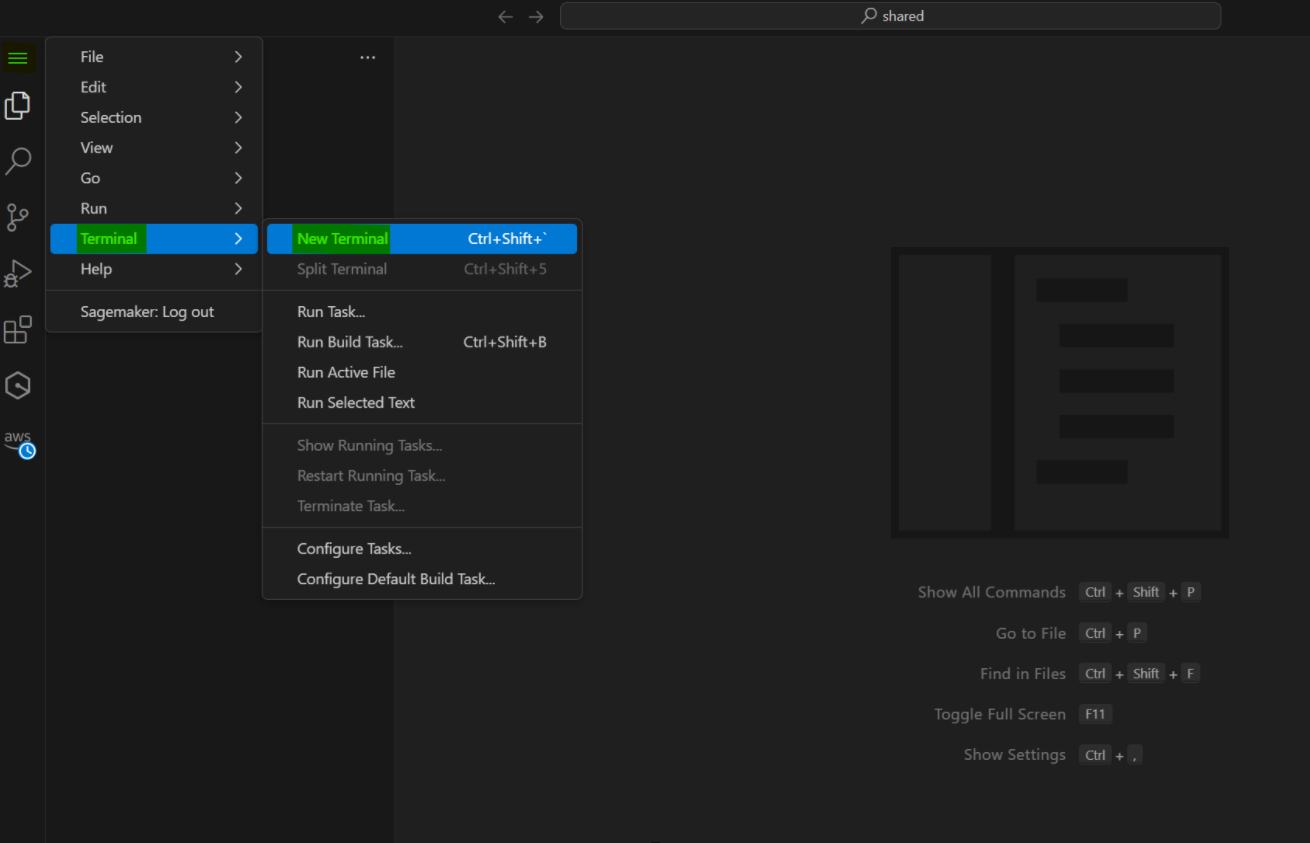
5-9. Create Editor VS Code
If you want to create VS Code Editor, you should use instance over 8GB RAM without t instance type.