17. RDS
17. RDS
RDS (Relational Database Service)
Prerequisites
1. RDS
Amazon RDS is a managed relational database service that allows you to run databases without managing infrastructure.
AWS automatically handles:
- OS patching
- Backup
- Failover
- Monitoring
1-1. Supported Engines
- MySQL
- PostgreSQL
- MariaDB
- Oracle
- SQL Server
- Amazon Aurora
1-2. Architecture (with EC2)
1
2
3
4
User
→ ALB
→ EC2 (Application Server)
→ RDS (Database)
👉 Users do NOT access RDS directly 👉 Only EC2 communicates with RDS
1-3. Network Placement
1
2
3
4
5
6
Public Subnet:
- ALB

Private Subnet:
- EC2
- RDS
👉 RDS must be placed in a Private Subnet
1-4. Performance Factors
- Instance size (CPU / RAM)
- Storage IOPS
- Number of connections
- Query complexity
2. How to work RDS
| Component | Role |
|---|---|
| RDS | Managed database |
| Endpoint | Database access point |
| Security Group | Access control |
| Multi-AZ | High availability |
| Read Replica | Read scaling |
2-1. Connectivity Flow
Application → Database
1
EC2 → RDS Endpoint
Example:
1
mydb.abc123.ap-southeast-2.rds.amazonaws.com:3306
Protocol
- MySQL → TCP 3306
- PostgreSQL → TCP 5432
2-2. Routing (VPC Internal)
1
10.0.0.0/16 → local
👉 Communication stays inside VPC
2-3. Security
RDS Security Group
1
2
3
Inbound:
Port: 3306
Source: EC2 Security Group
1
2
Outbound:
Allow all (default)
1
2
EC2 → RDS ✅
Internet → RDS ❌
2-4. Multi-AZ
Single AZ
1
EC2 → RDS (Primary)
Multi-AZ
1
2
3
Primary DB (AZ1)
↓ replication
Standby DB (AZ2)
Failover
1
2
Primary failure
→ Automatic switch to standby
3. How to create RDS
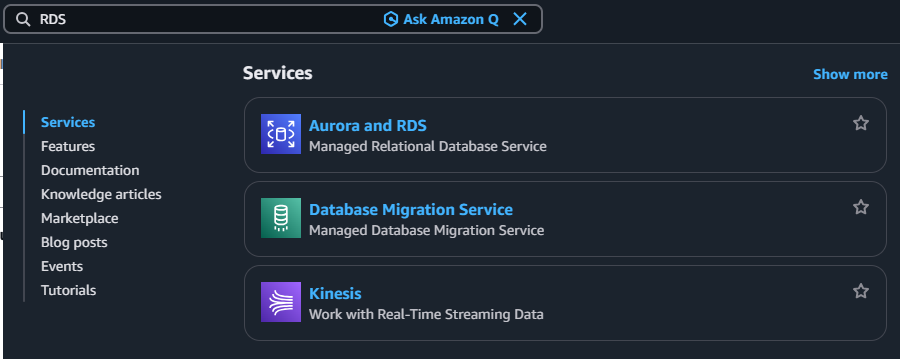
3-1. Search RDS
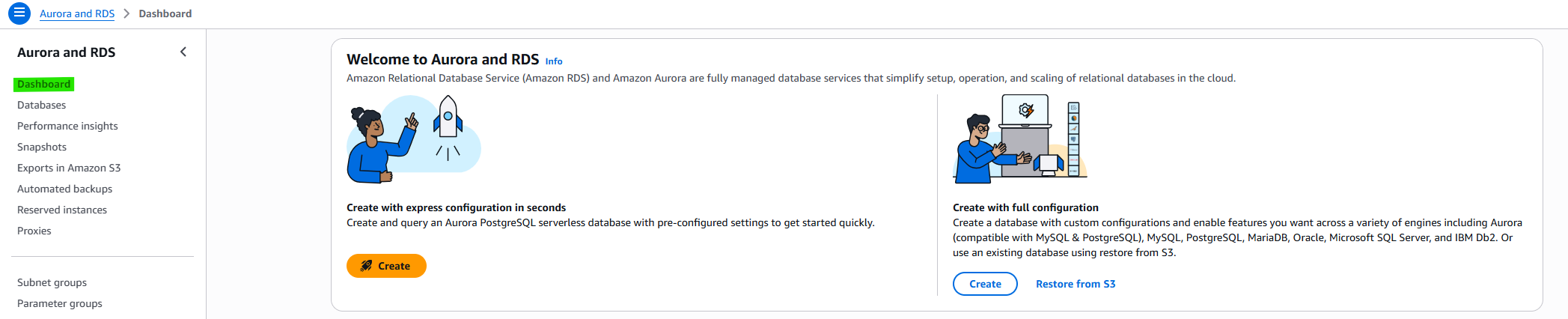
3-2. Click Navigation pane → “Dashboard”
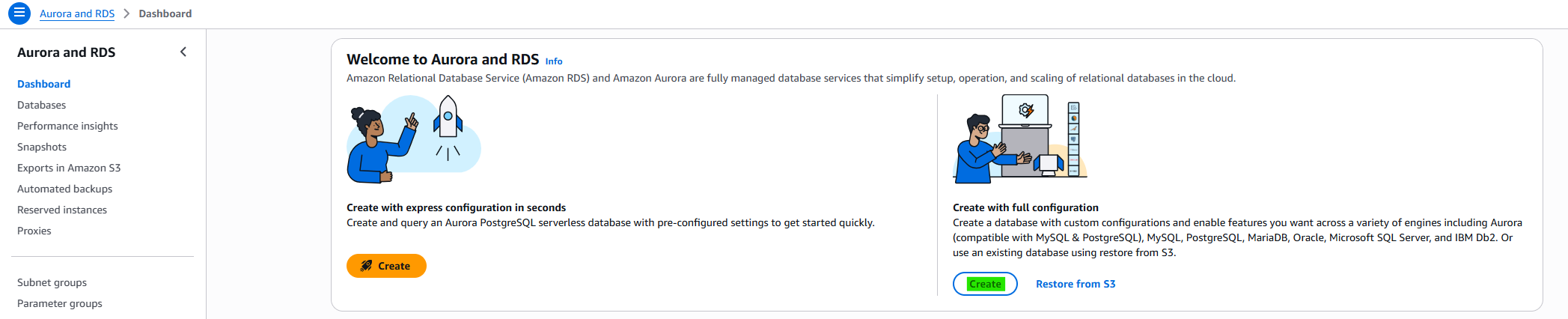
3-3. Click Button → “Create”
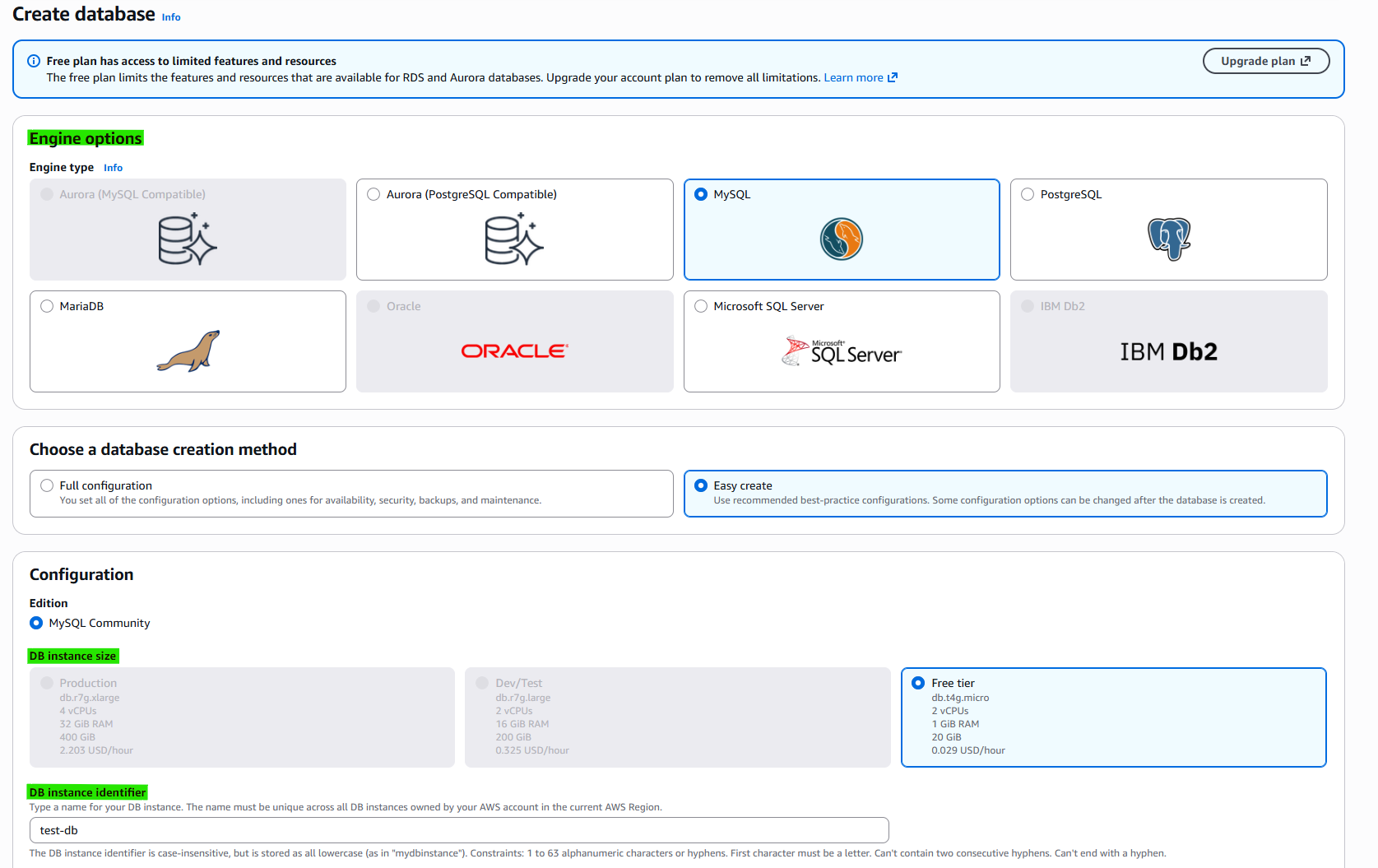
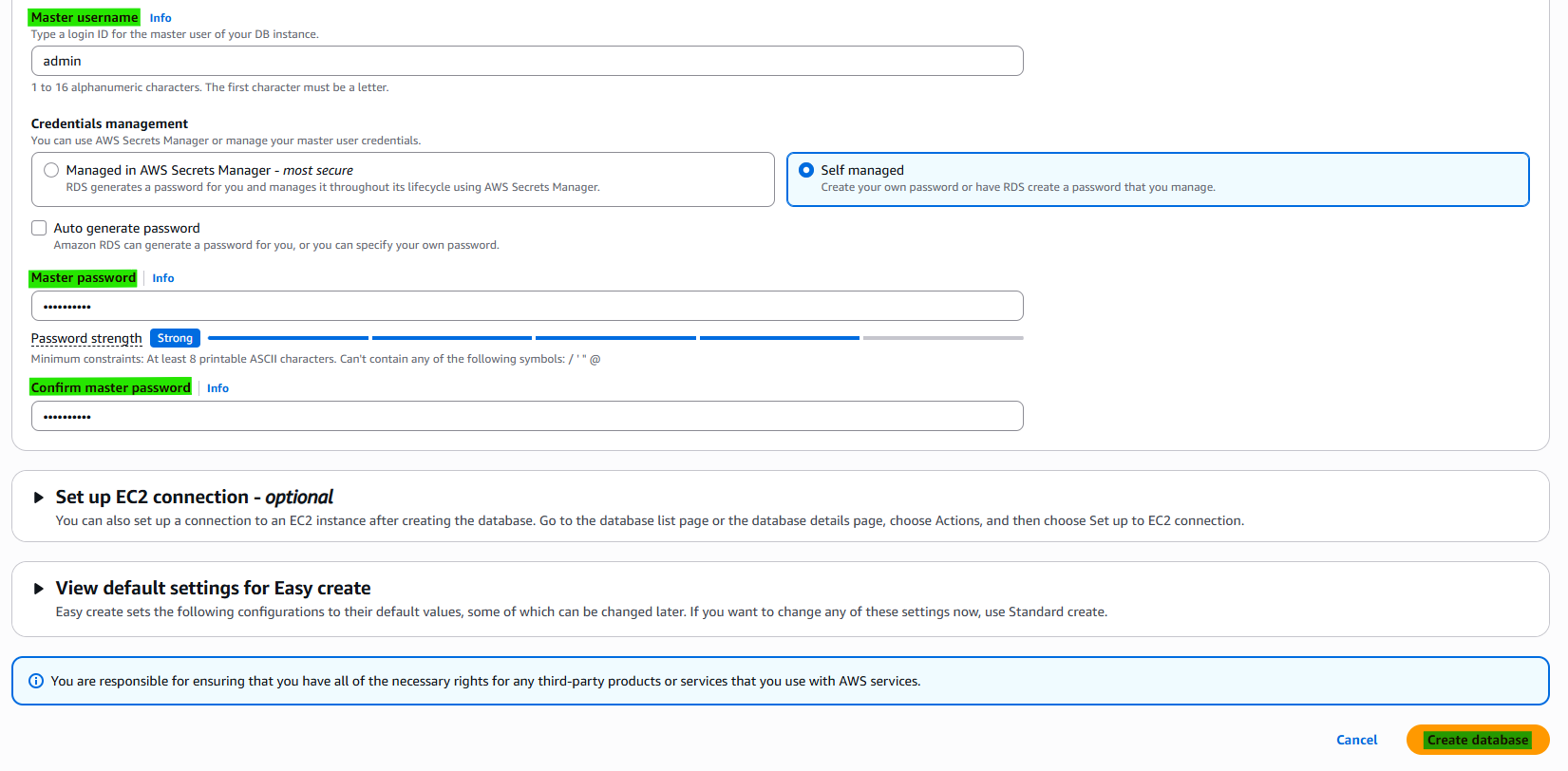
3-4. Create database
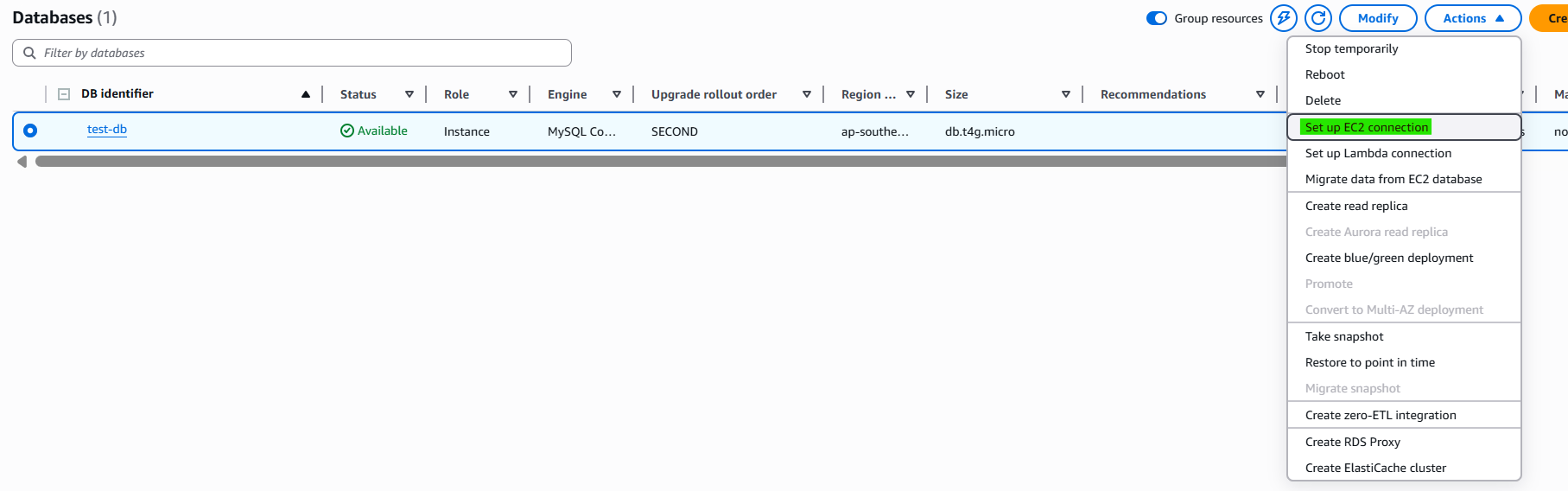
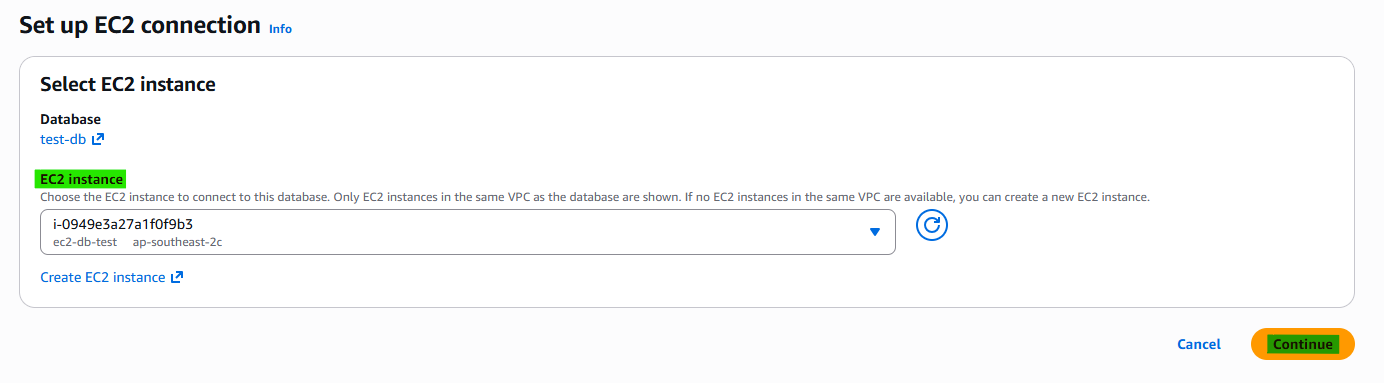
3-5. Connect EC2
3-6. Check Connection steps on EC2
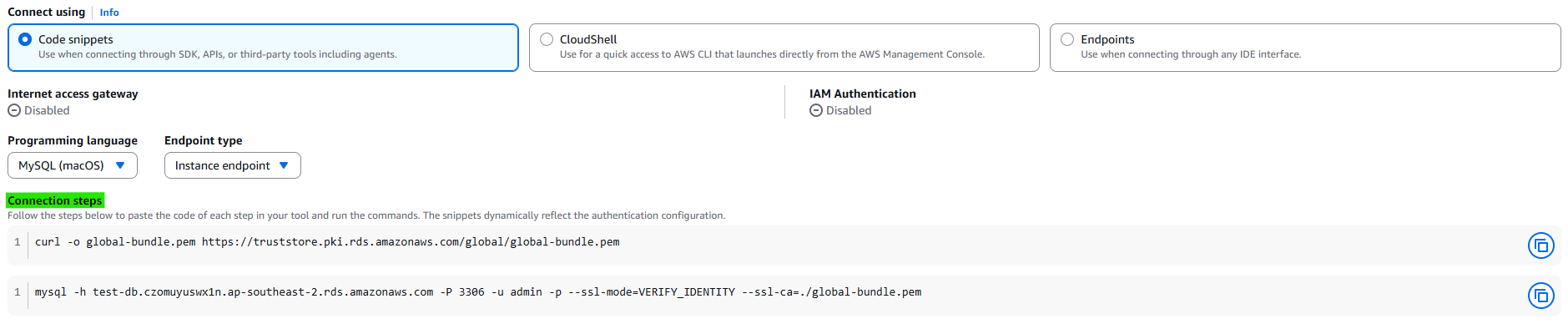
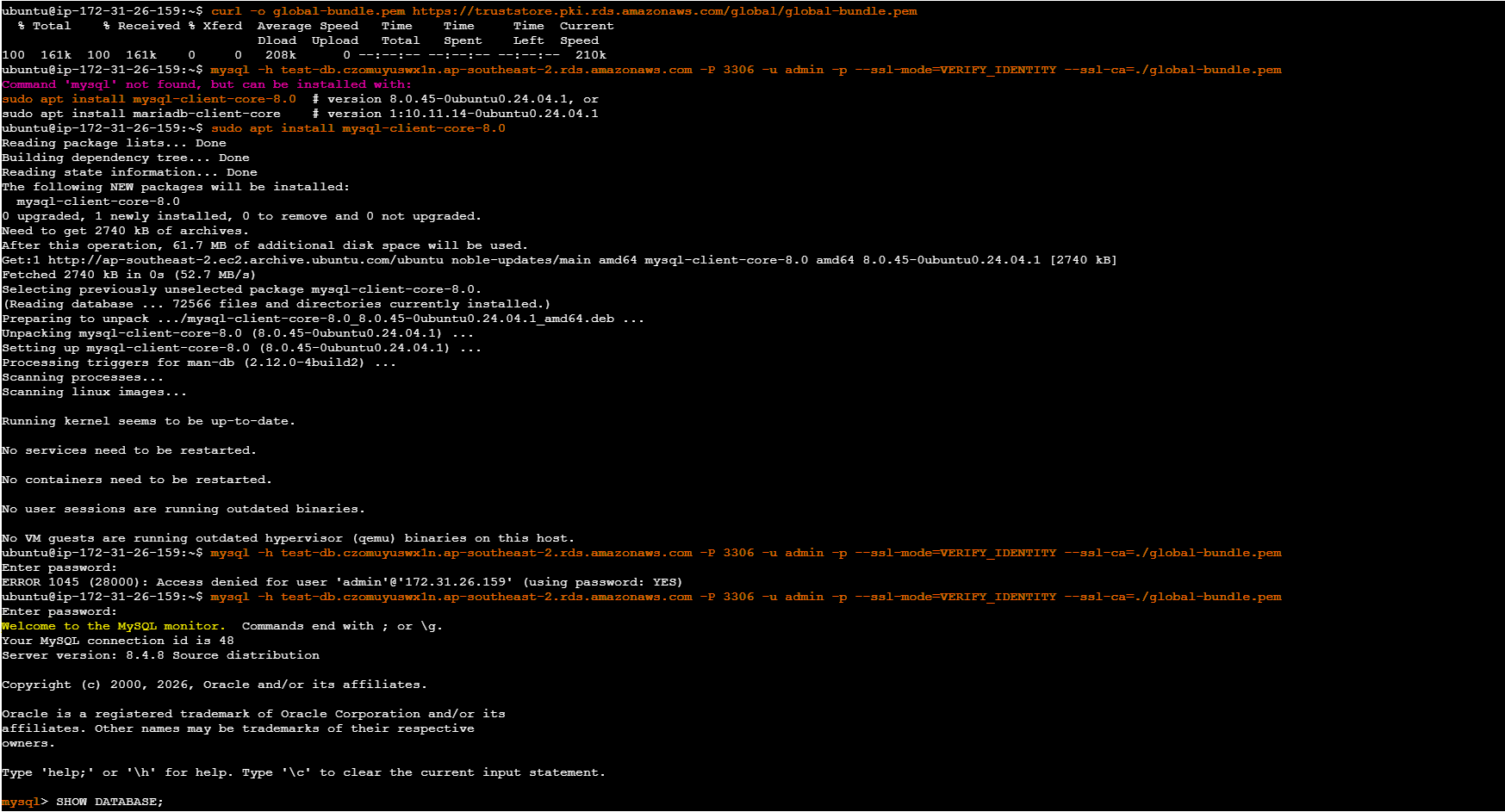
3-7. Connect RDS’s SQL on EC2
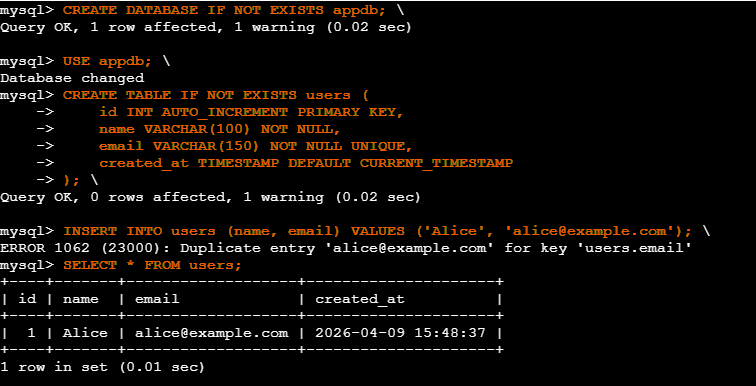
3-8. Command SQL on EC2
This post is licensed under CC BY 4.0 by the author.